How to Add a Wallet address on the Treasury Portal
Last updated: September 23, 2026
This guide explains how to add payment details to your Treasury Portal wallet addresses.
Before you begin, keep the following in mind:
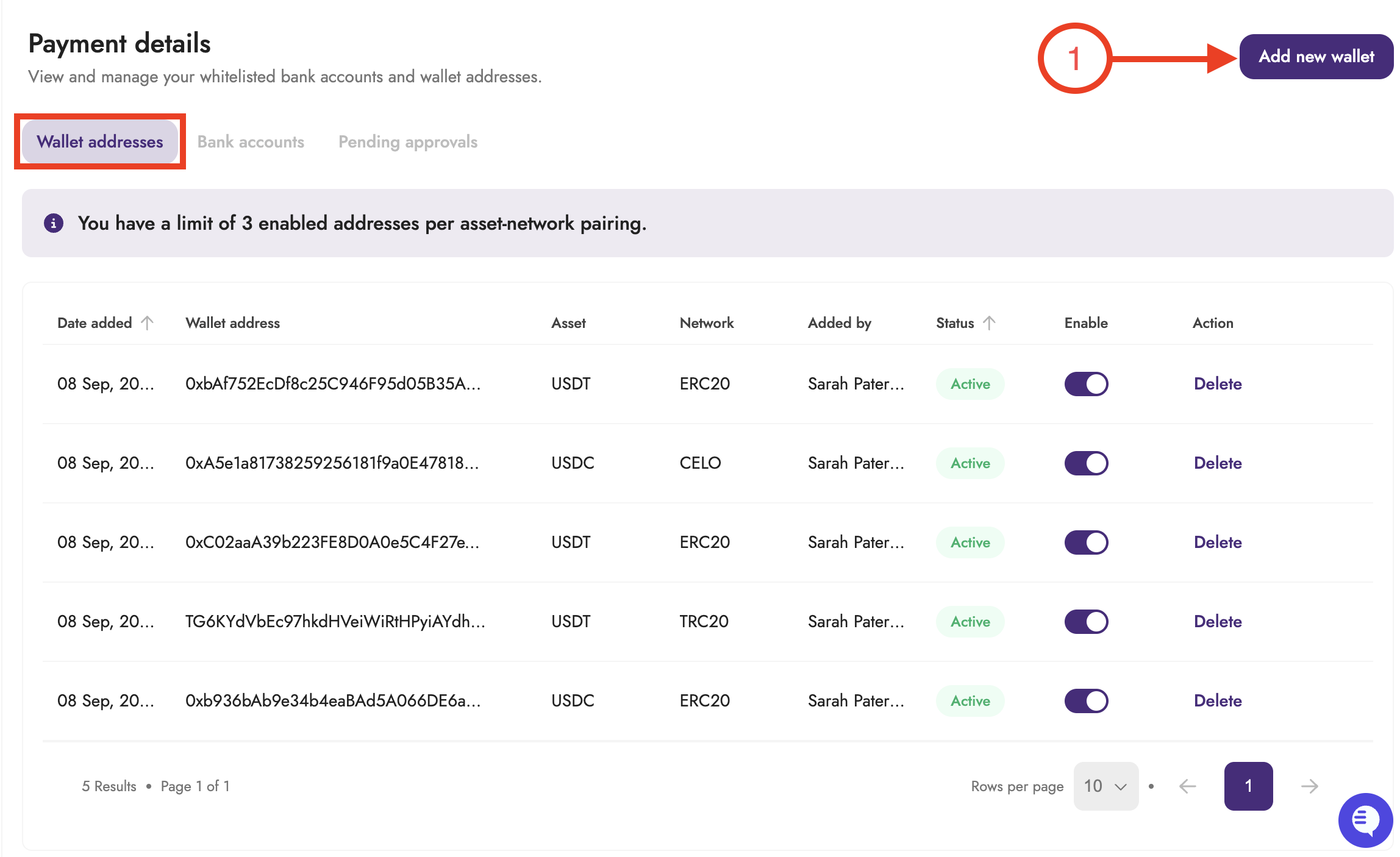
You have a limit of 3 enabled addresses per asset network pairing for wallet addresses.
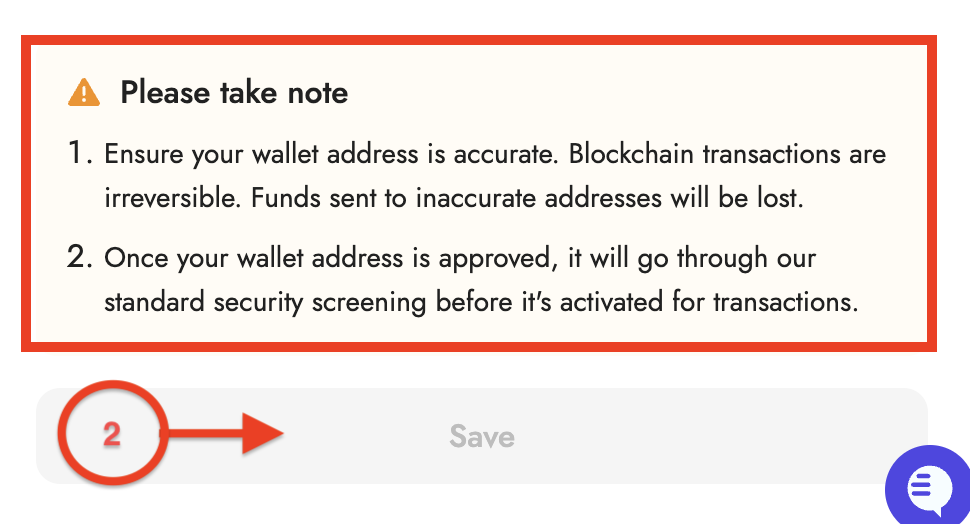
Please make sure that you are providing the correct wallet address and network to avoid loss of assets.
Follow the steps below to add a wallet address to your Treasury Portal:
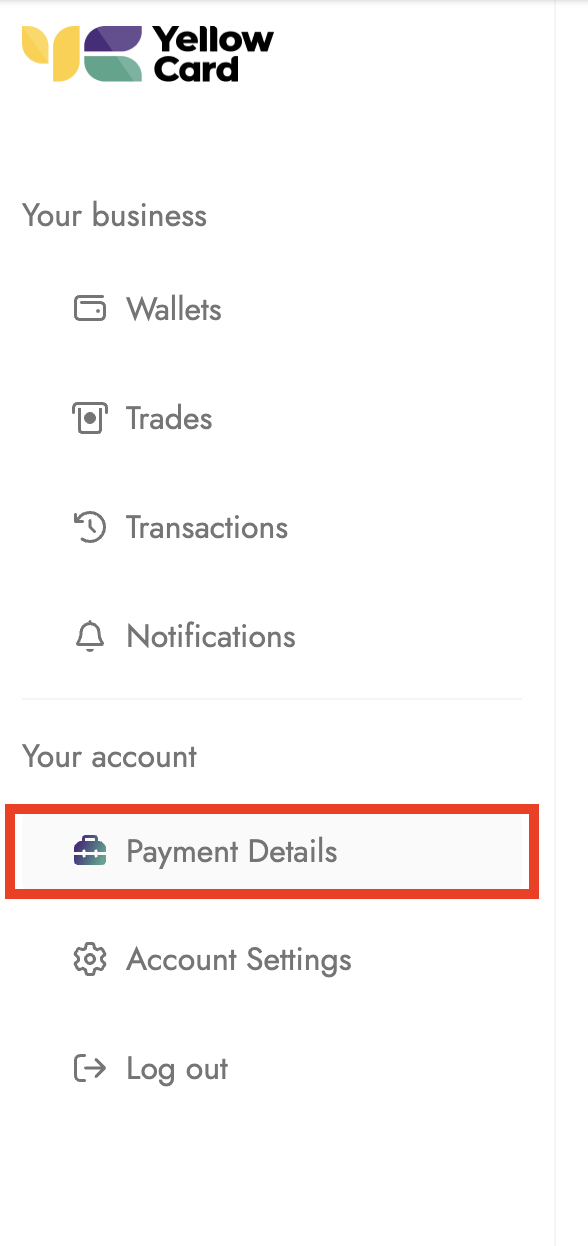
Log in to your Treasury Portal and click on Payment details.
Select the Wallet address, then click on Add New.
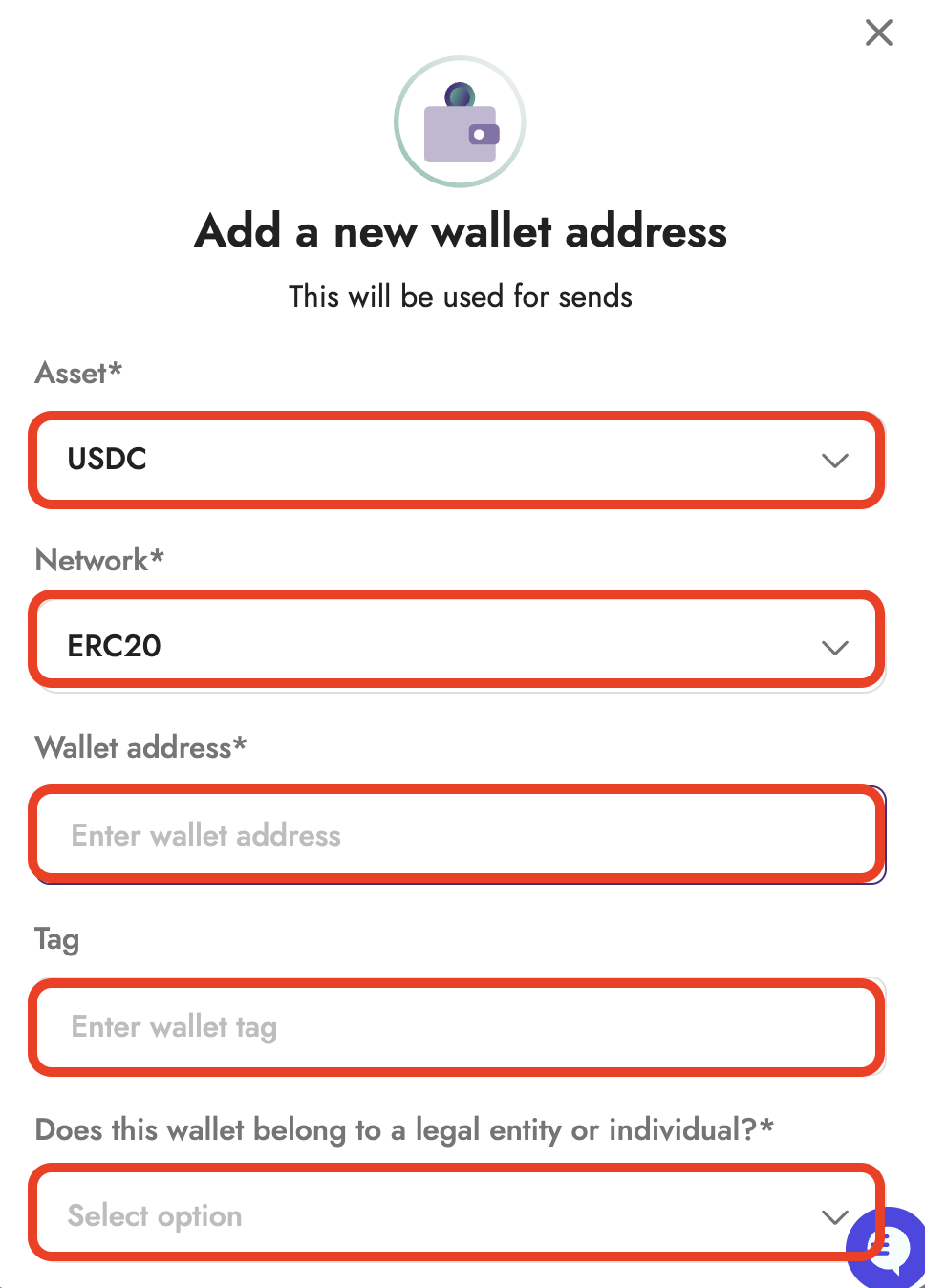
In the pop-up window, provide the Asset, Network, and Wallet address, then answer the final question and click Save to continue
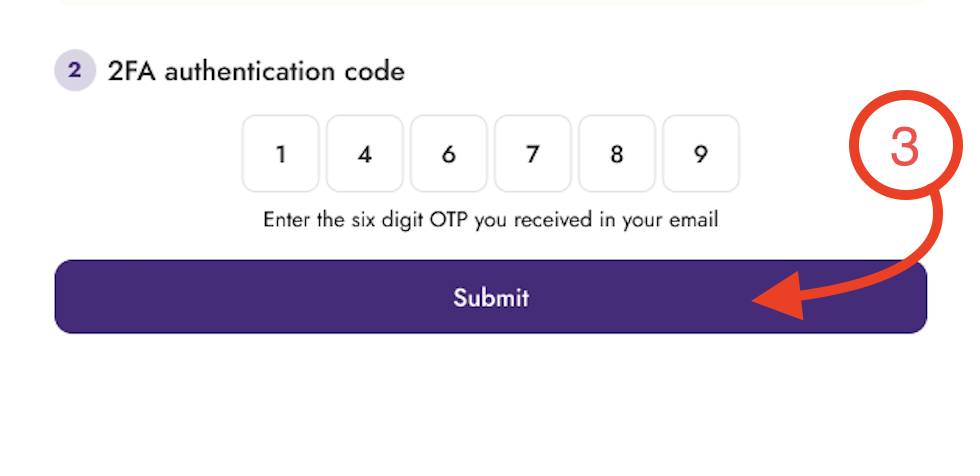
An OTP code will be sent to your registered email address; enter it and click Submit to confirm your request.
Your wallet address will be sent for approval; once approved, the wallet will be added to your account.