How to Delete a Wallet Address or Bank Account on the Treasury Portal
Last updated: September 24, 2026
This guide explains how to delete a wallet address or bank account from the Treasury Portal. The Payment Details section lets you remove saved payment details, including wallet addresses and bank accounts, when they are no longer needed.
Keep the following in mind before deleting a payment detail:
Deleting a wallet address or bank account is permanent and cannot be undone.
Make sure there are no pending transactions tied to the payment detail before proceeding.
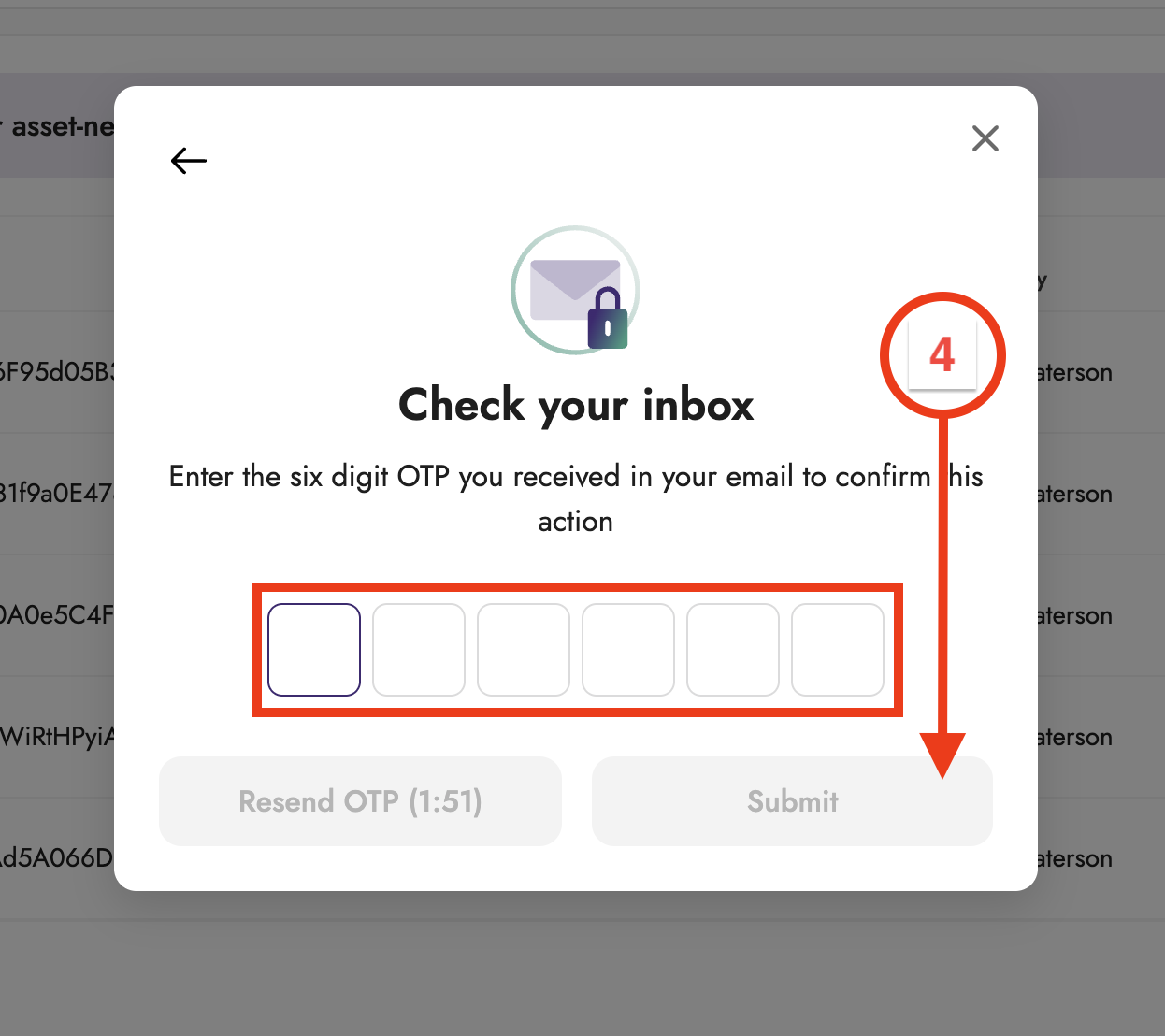
If you don't receive the OTP, check your spam folder or contact your administrator.
Follow the steps below to delete a wallet address or bank account:
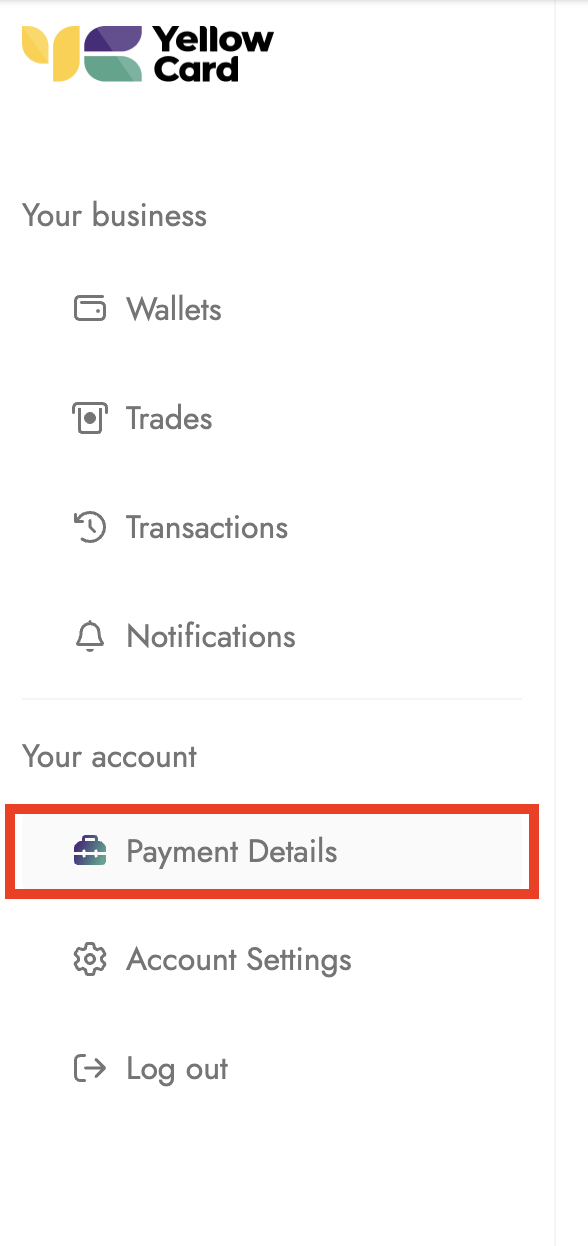
Log in to the Treasury Portal and select Payment Details from the dashboard.
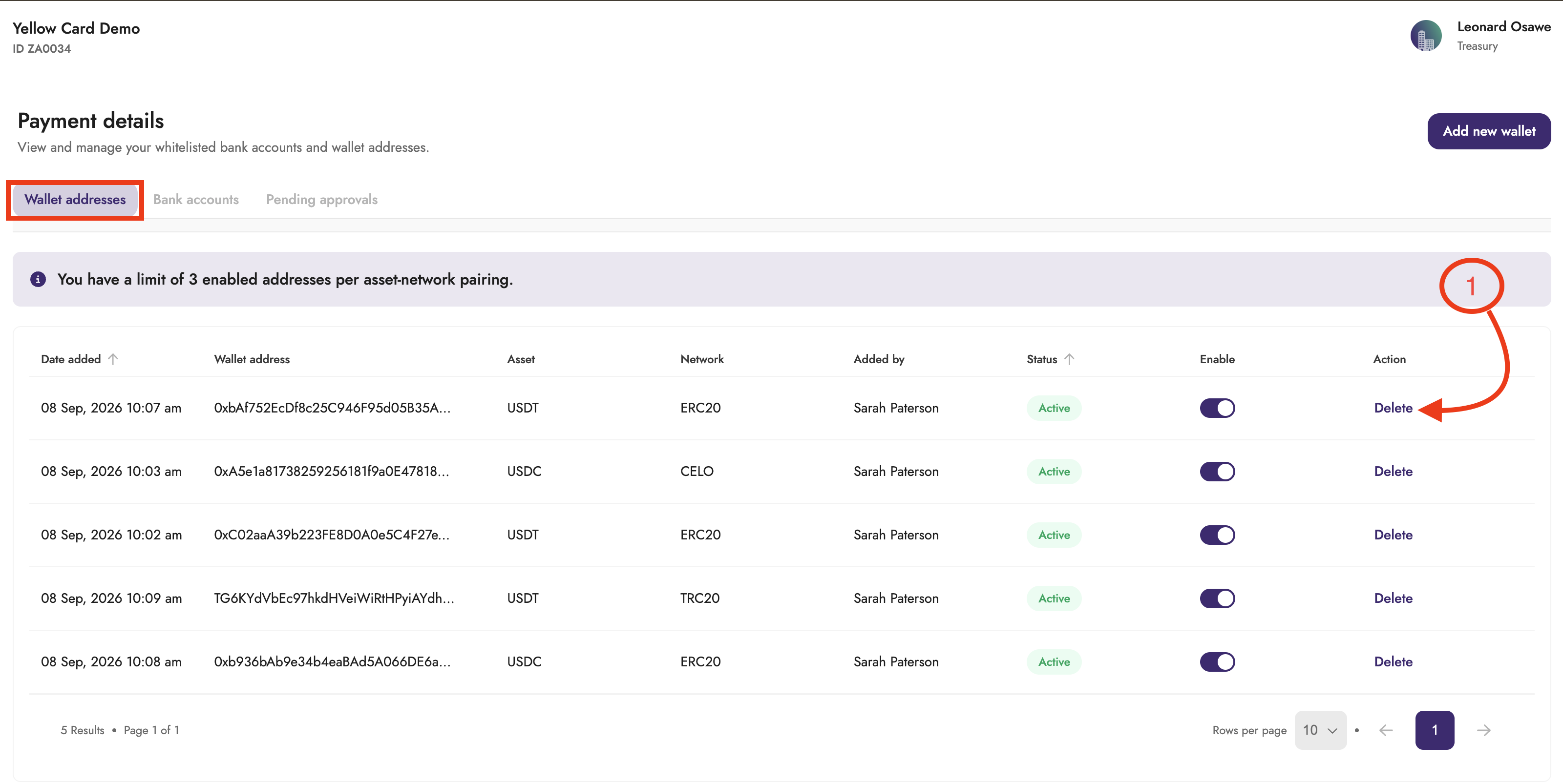
Locate the wallet address or bank account you want to remove and click Delete.
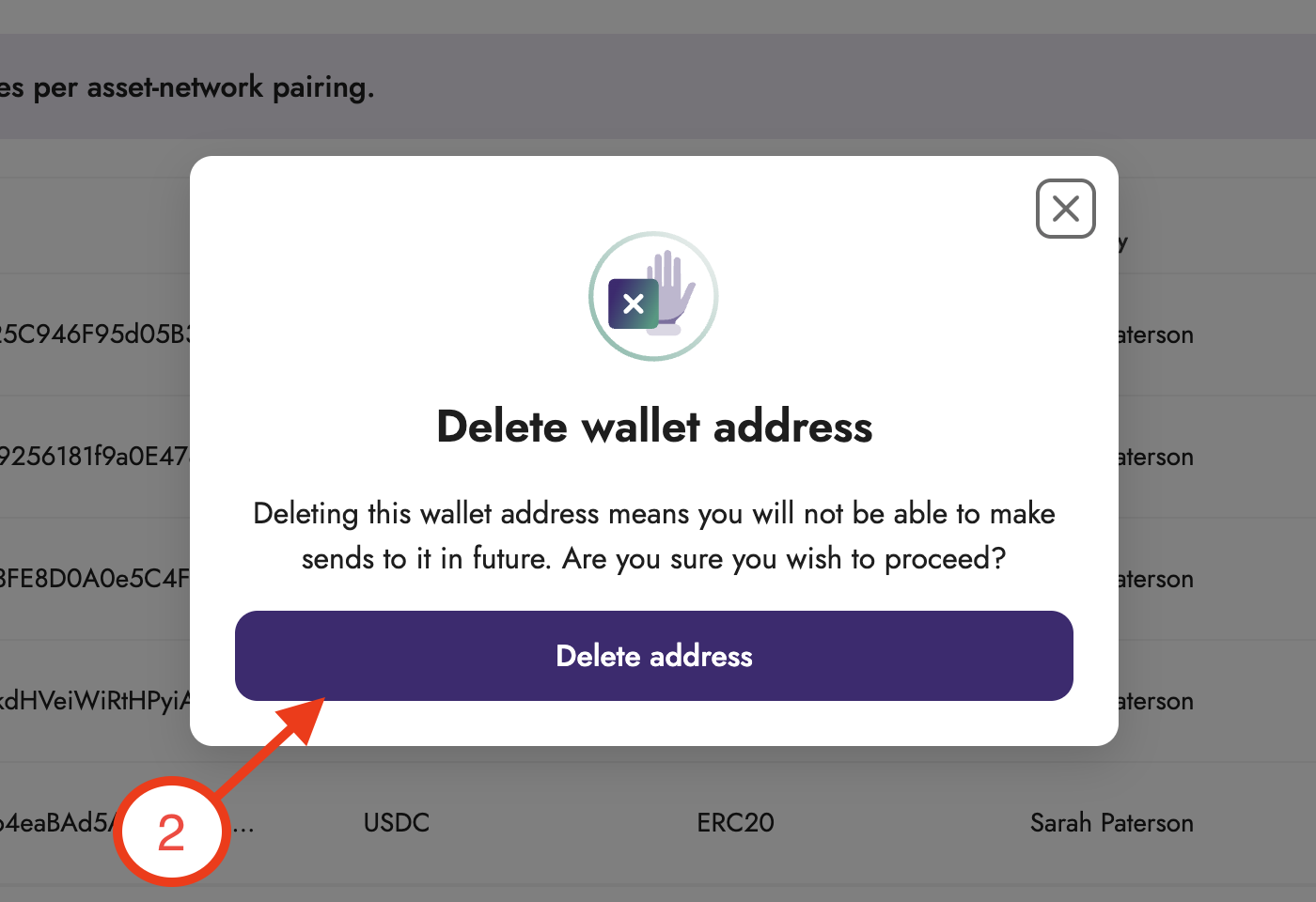
A confirmation pop-up will appear; click Delete Address or Delete Bank Account, depending on what you're removing.
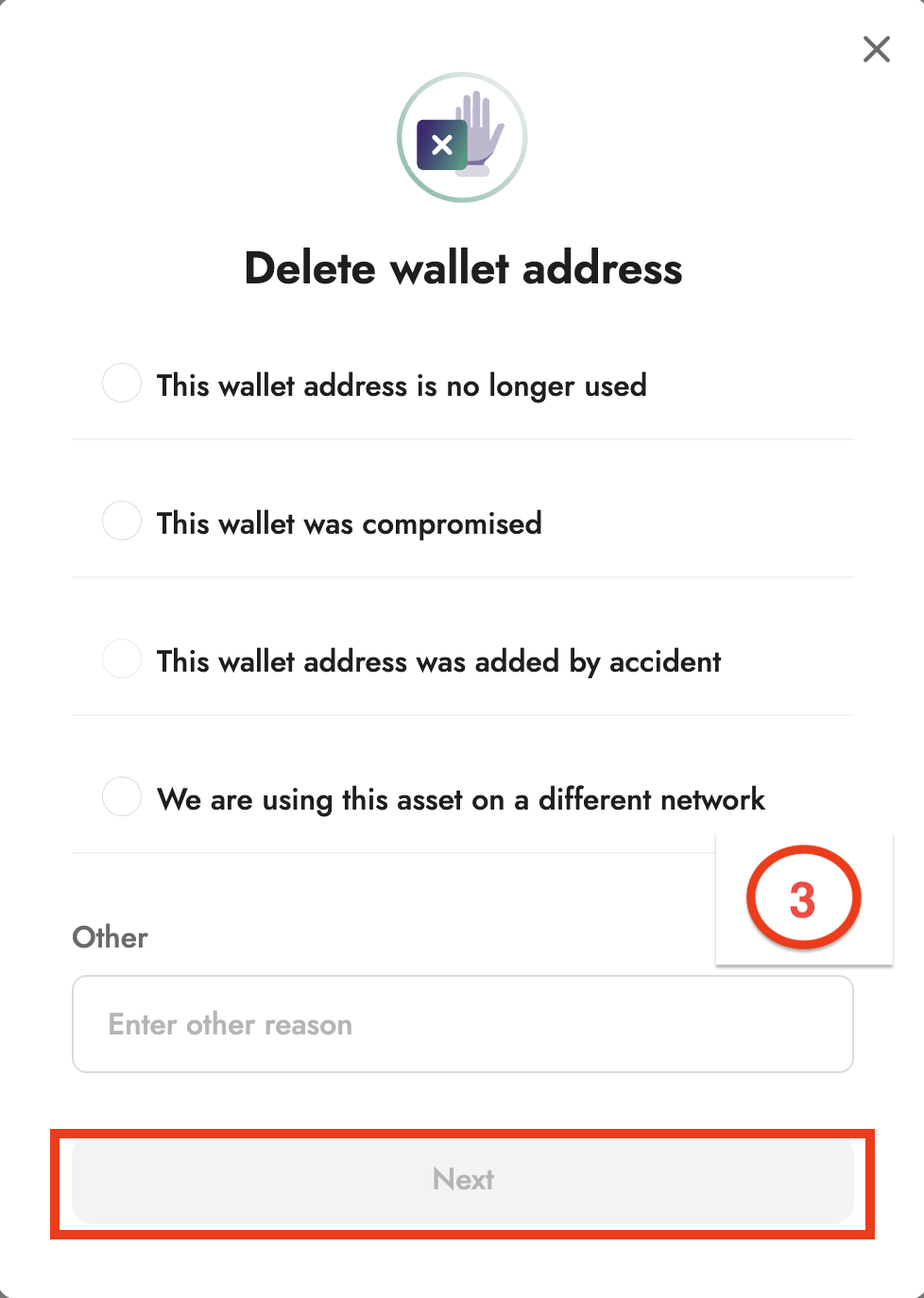
Select your reason for deleting and click Next.
Enter the OTP code sent to your email address and click Submit.
Your payment details have been successfully removed from the portal.