How to Receive USD on the Treasury Portal
Last updated: September 17, 2026
This guide explains how to receive USD on the Treasury Portal.
Receiving money from a US bank account into the Treasury Portal is usually faster and helps you save on transaction fees. International Bank Payment involves receiving money from an international bank account, which might take additional processing time and may involve transaction fees.
Follow the steps below to receive USD on the Treasury Portal:
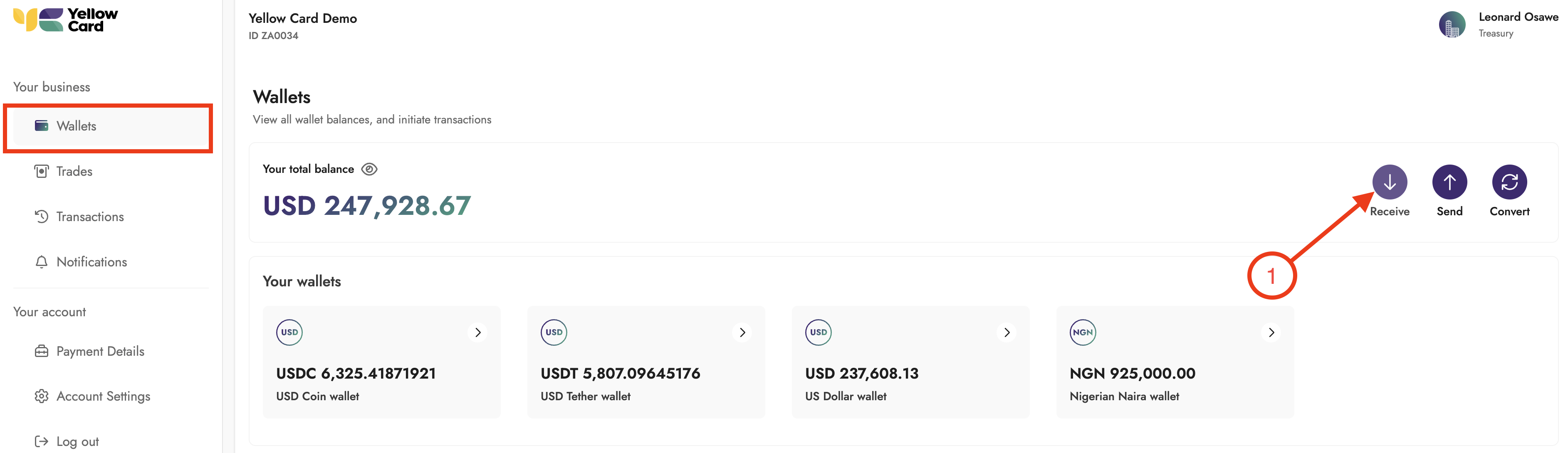
Log in to the Treasury Portal, select Wallets from the dashboard, and click Receive within the Wallets section to open the pop-up window that starts your funding request.
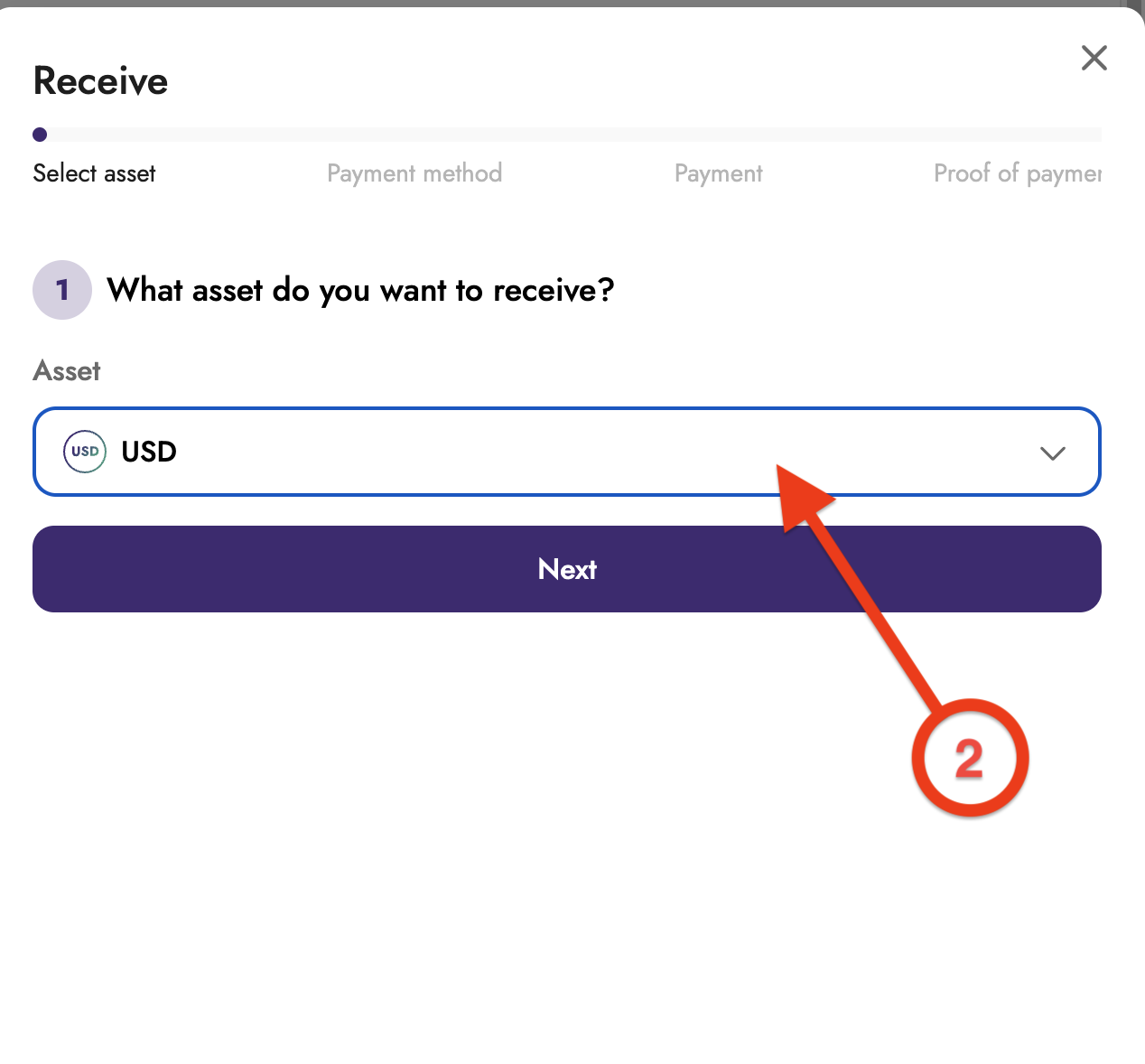
Select the asset you want to receive and click Next.
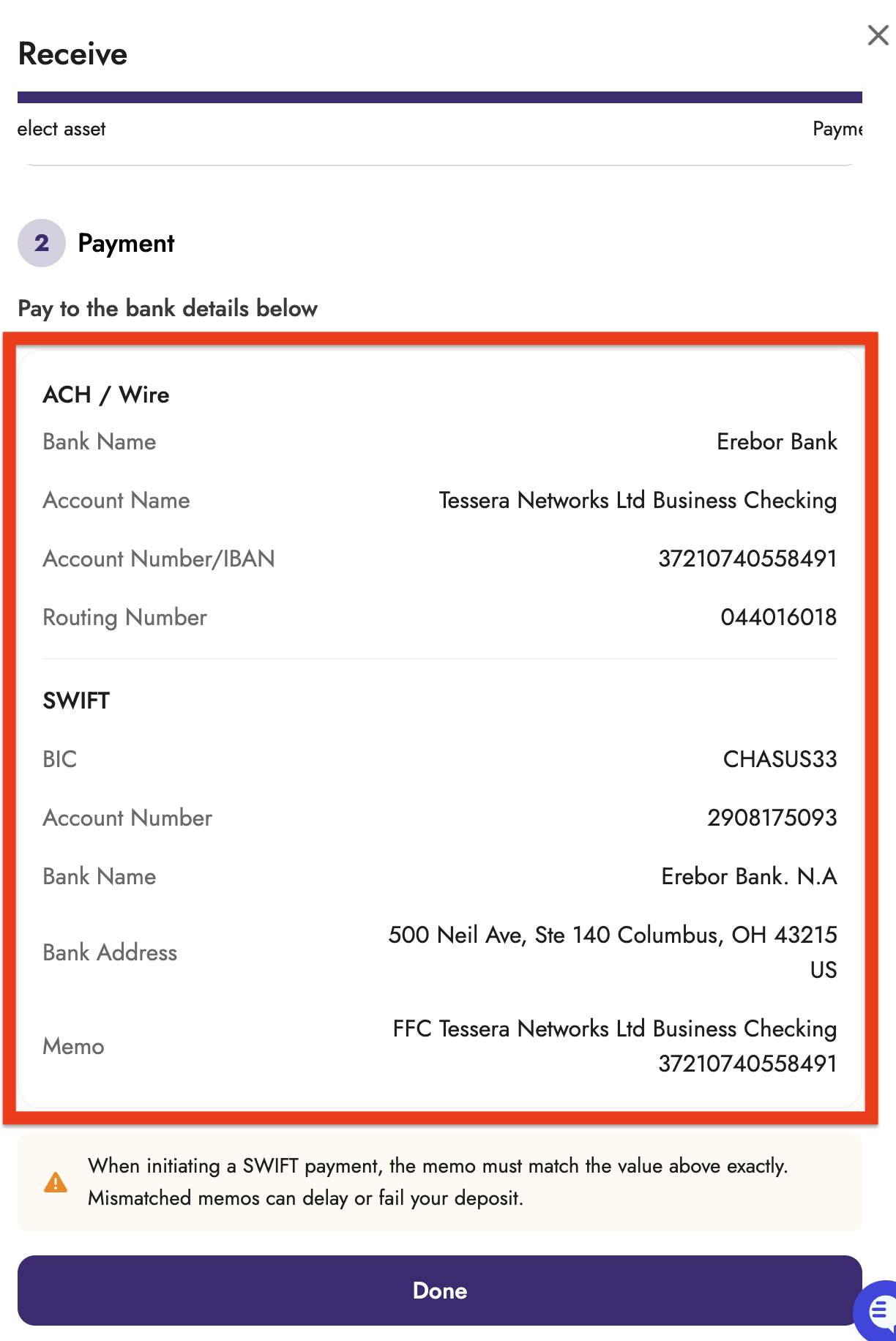
Pay to the bank details shown on the Payment step. Use the ACH/Wire details for a domestic payment, or the SWIFT details for an international payment.
When initiating a SWIFT payment, the memo must match the value exactly. Mismatched memos can delay or fail your deposit.
Review the bank details and the memo displayed, and transfer the specified amount to the provided bank account, ensuring the Memo is included.
Click Done
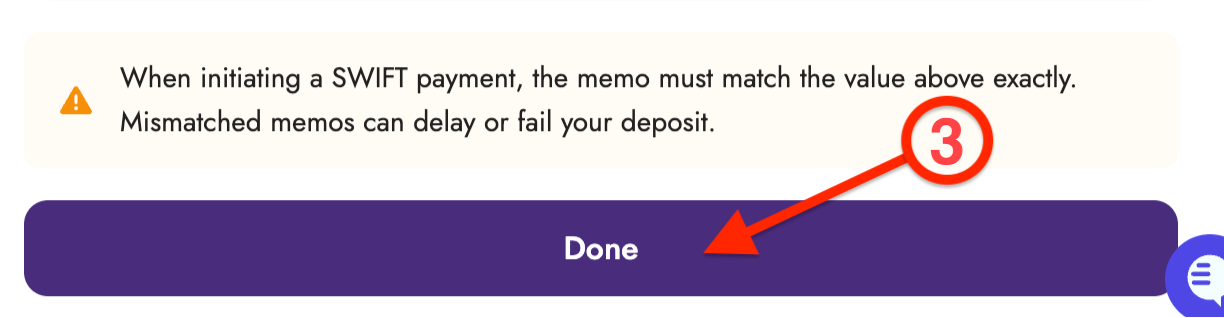
Your payment will be reviewed, and your wallet will be credited once confirmed.