How to Receive Stablecoins on The Treasury Portal
Last updated: September 16, 2026
This guide explains how to receive stablecoins on the Treasury Portal. To receive stablecoins, you must generate the correct wallet address and ensure the sender uses the correct blockchain network.
Follow the steps below to receive stablecoins on the Treasury Portal:
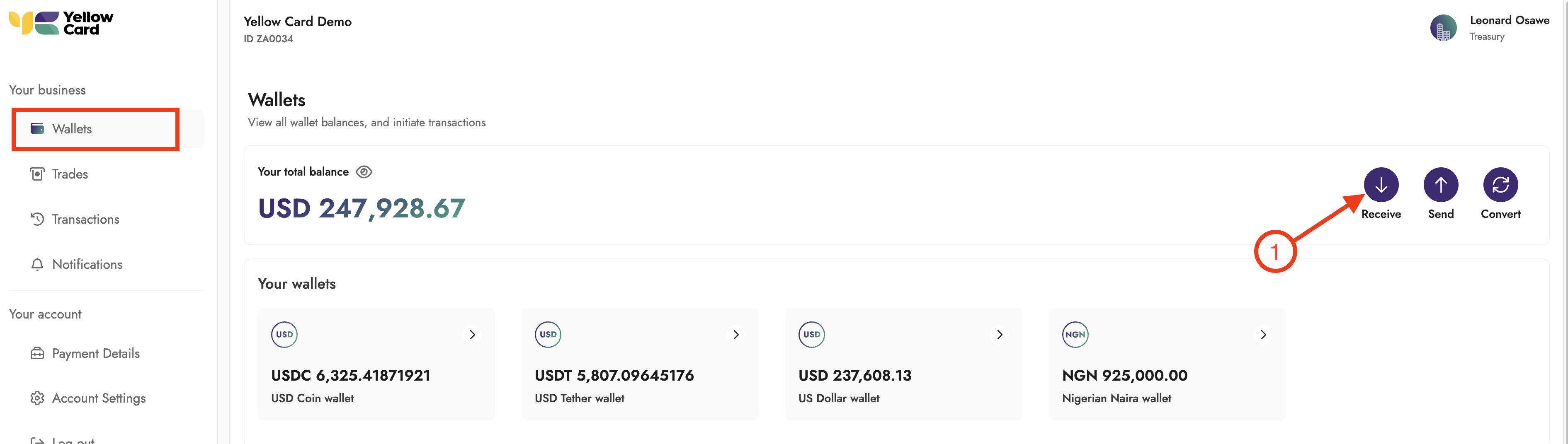
Log in to the Treasury Portal, select Wallets from the dashboard and click Receive. A pop-up window will appear to begin the process.
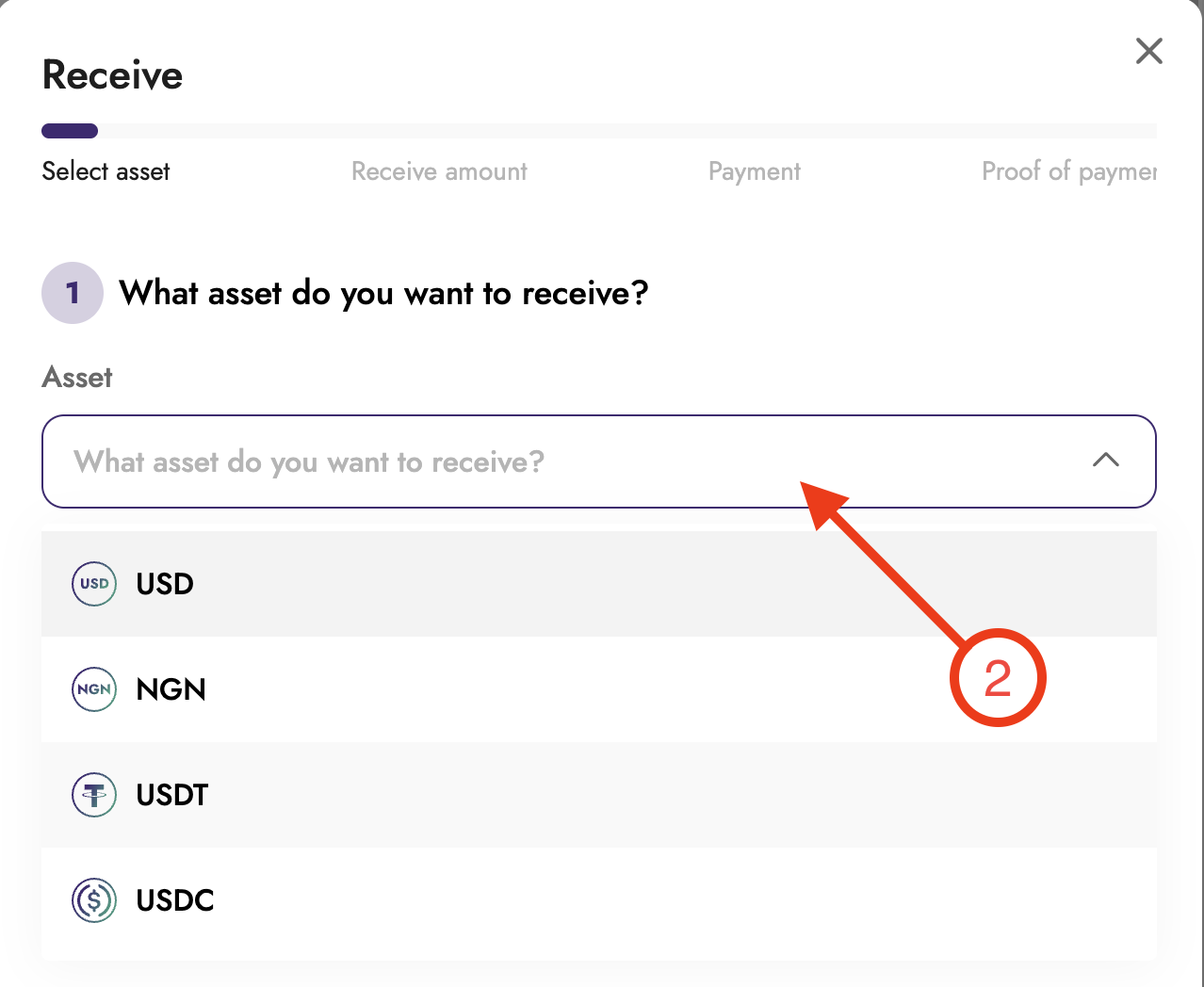
Select the digital asset you want to receive.
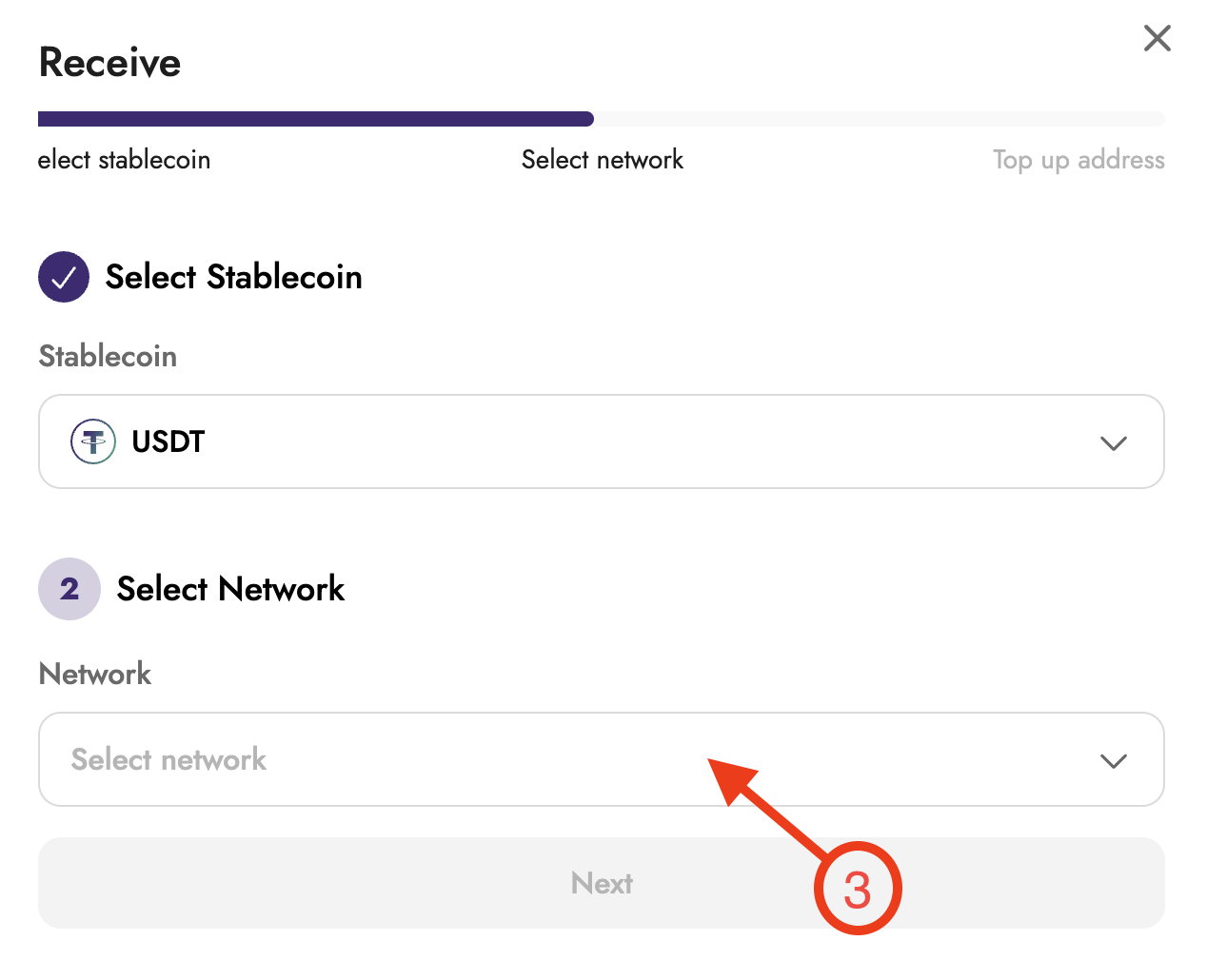
Select the appropriate blockchain network.
Your wallet address will be generated. Copy the wallet address.
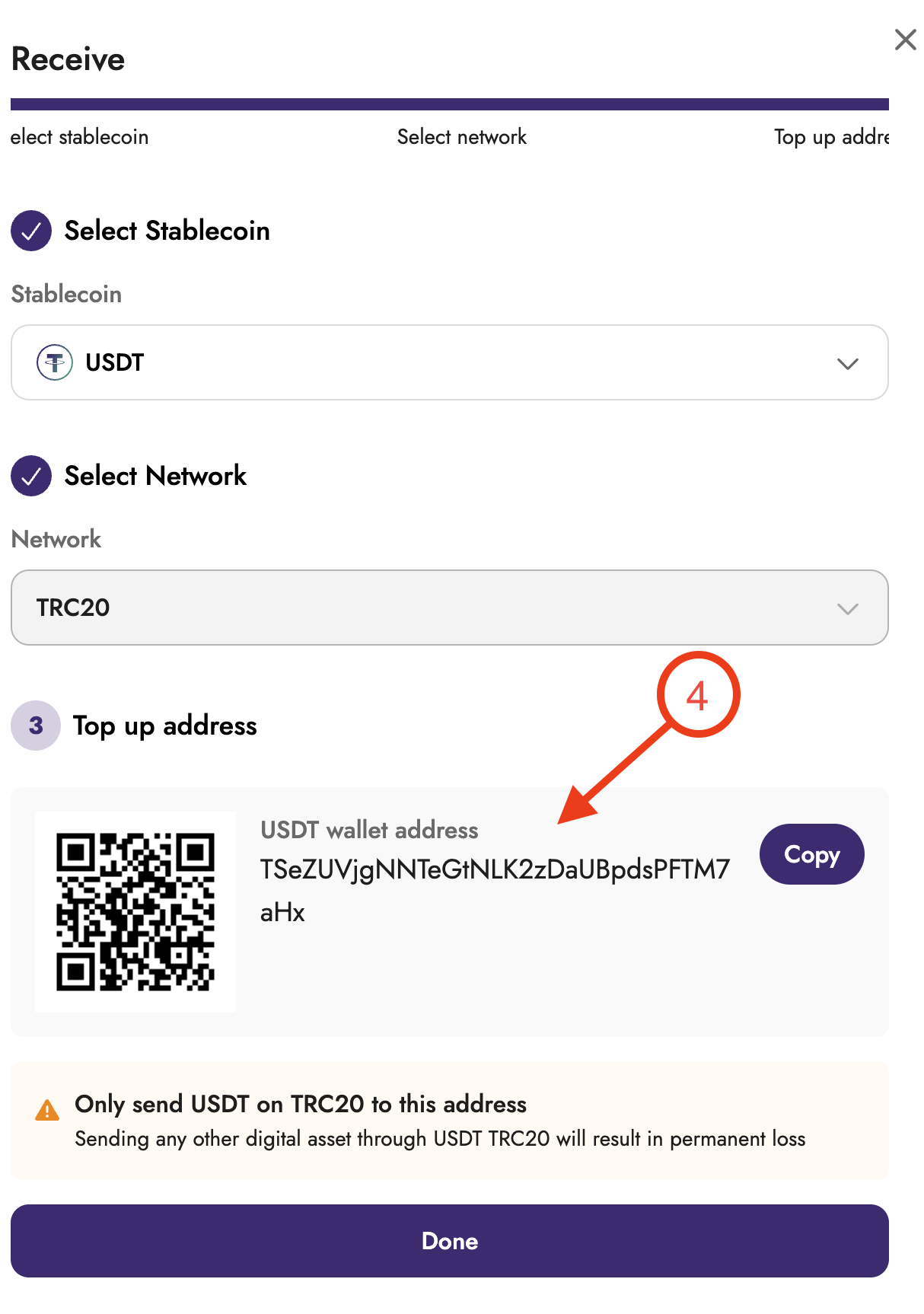
Ensure the sender uses the correct network when initiating the transfer.
Once the stablecoin has been sent to your generated wallet address, your account will be credited.