How to Send Stablecoin from the Treasury Portal
Last updated: September 17, 2026
This guide explains how to send a stablecoin from the Treasury Portal. Before initiating a transaction, make sure the destination wallet address is correct and that the selected blockchain network matches the recipient's wallet, since sending stablecoins to an incorrect wallet address or network may result in loss of digital assets.
Follow the steps below to send stablecoins from the Treasury Portal:
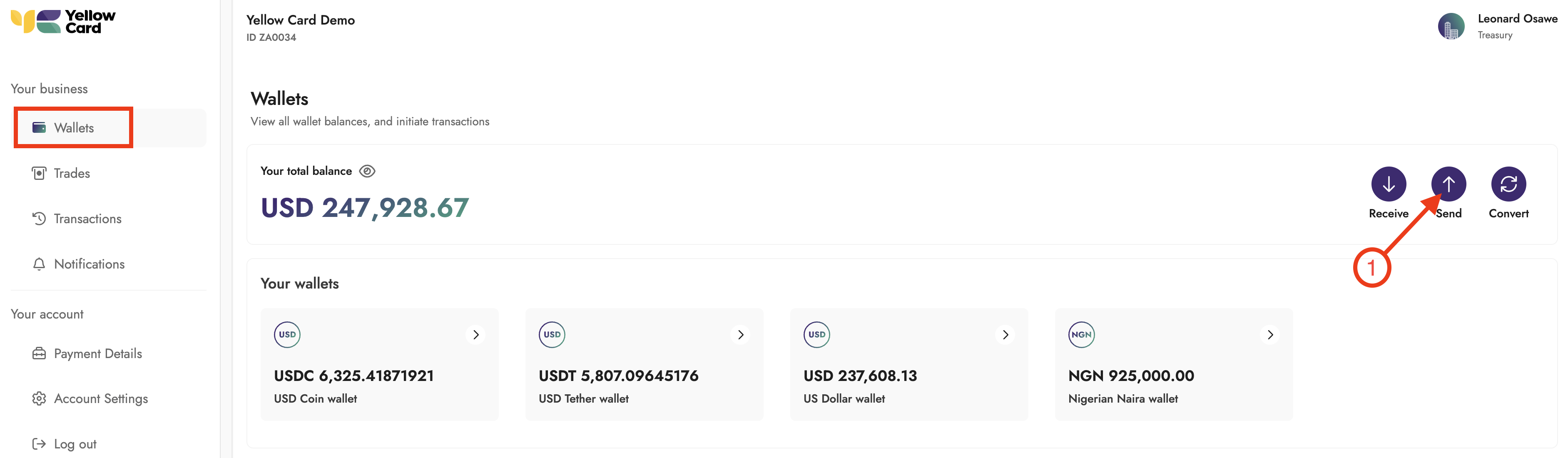
Log in to the Treasury Portal, then select Wallets and click Send.
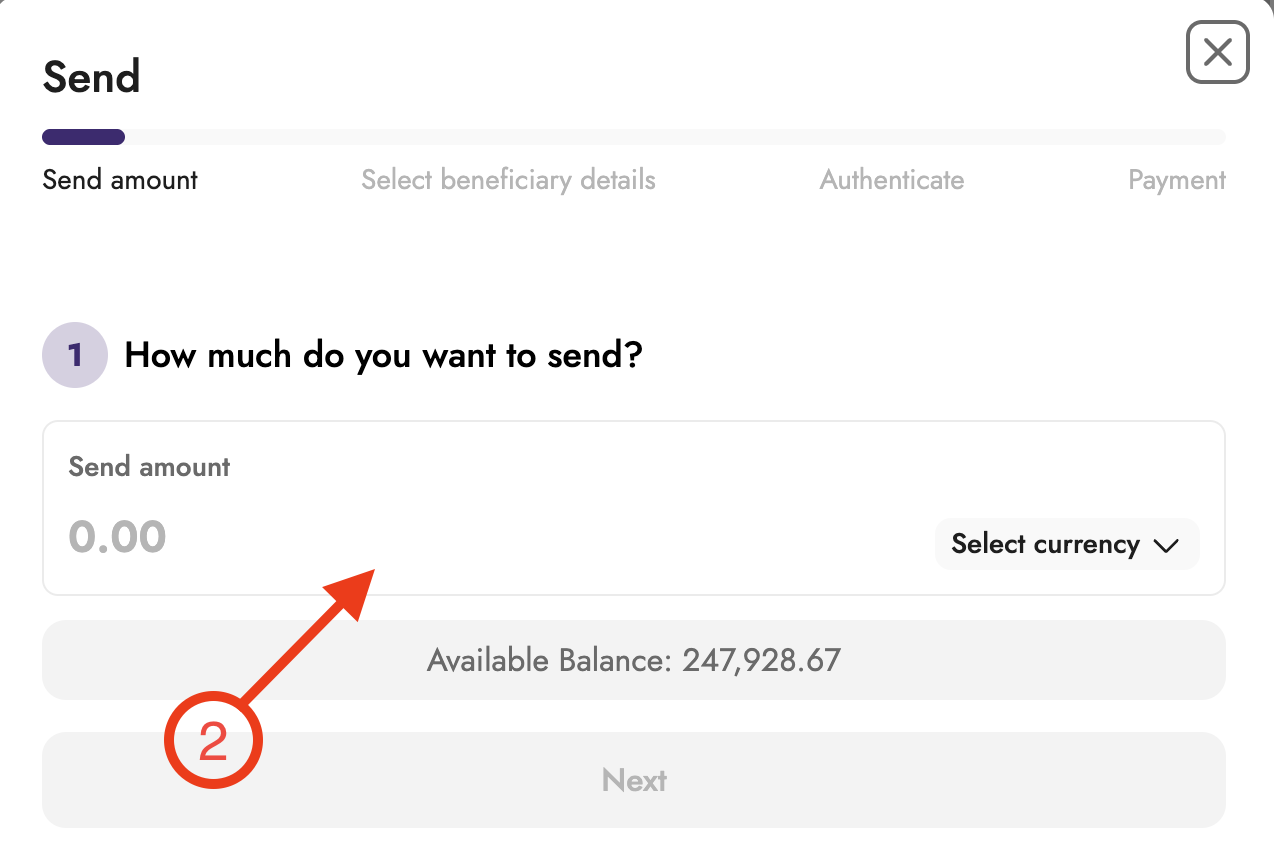
Enter the amount you want to send.
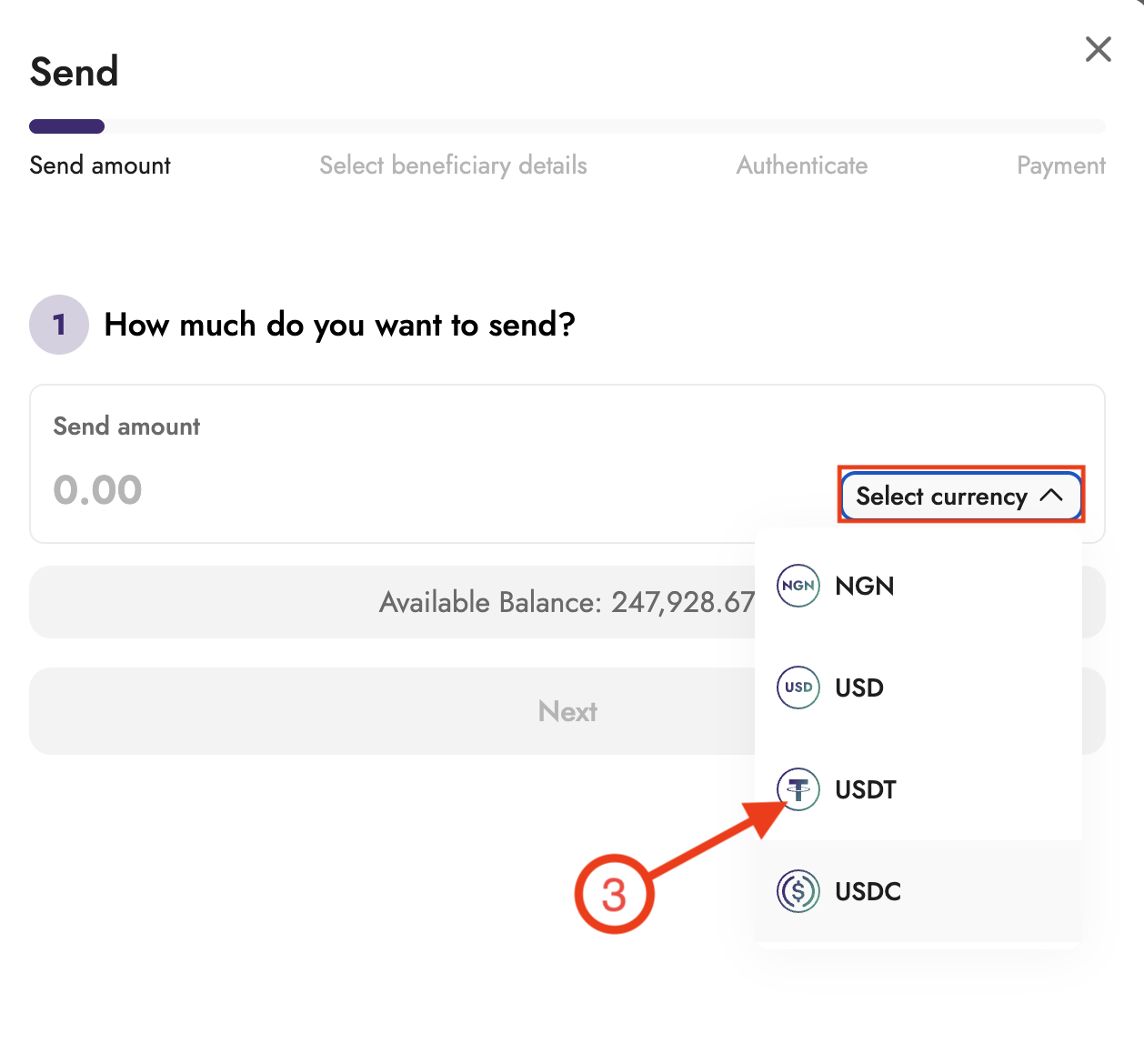
Select the stablecoin from the drop-down menu and click Next.
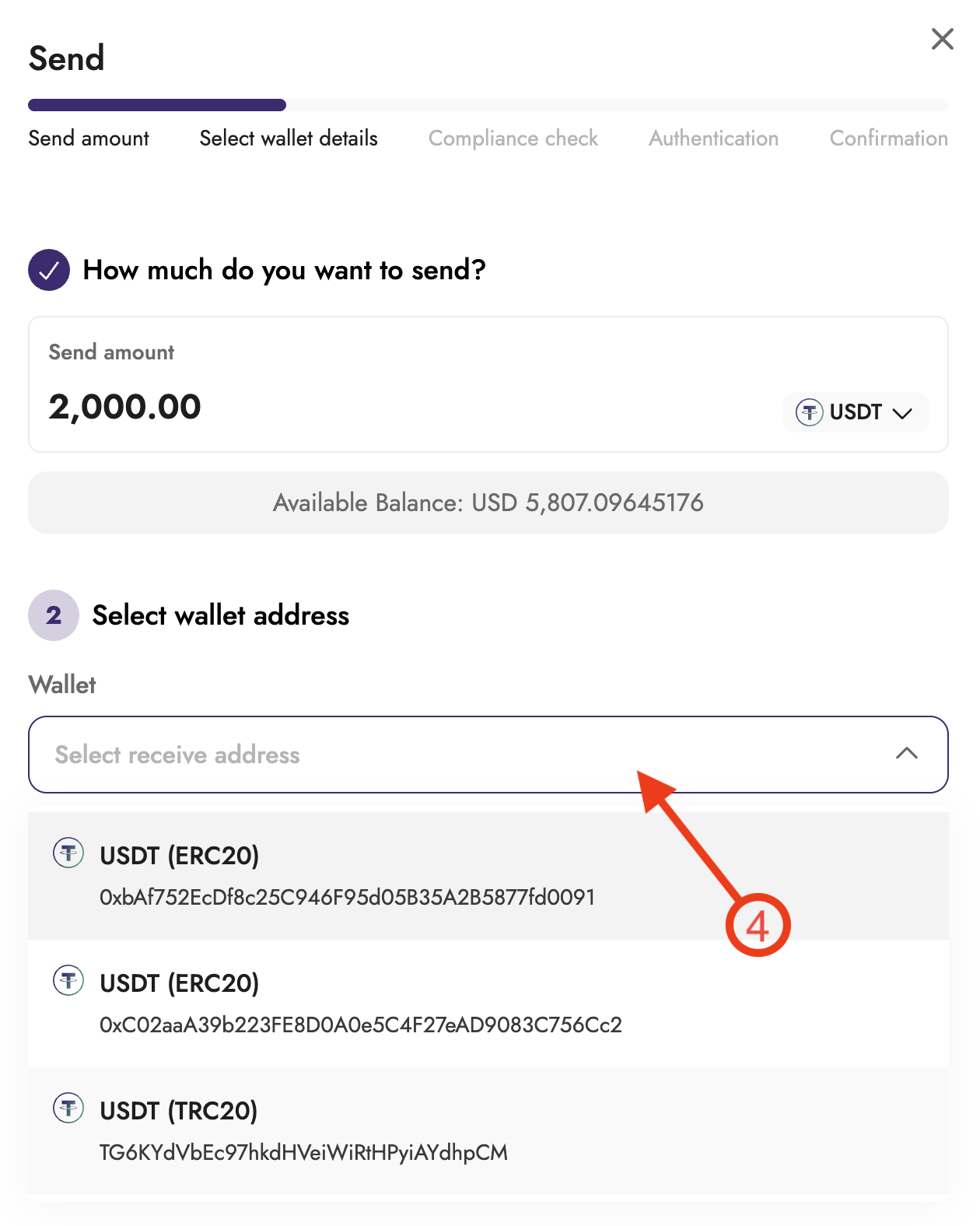
Select the destination wallet from your list of saved wallet addresses and click Next.
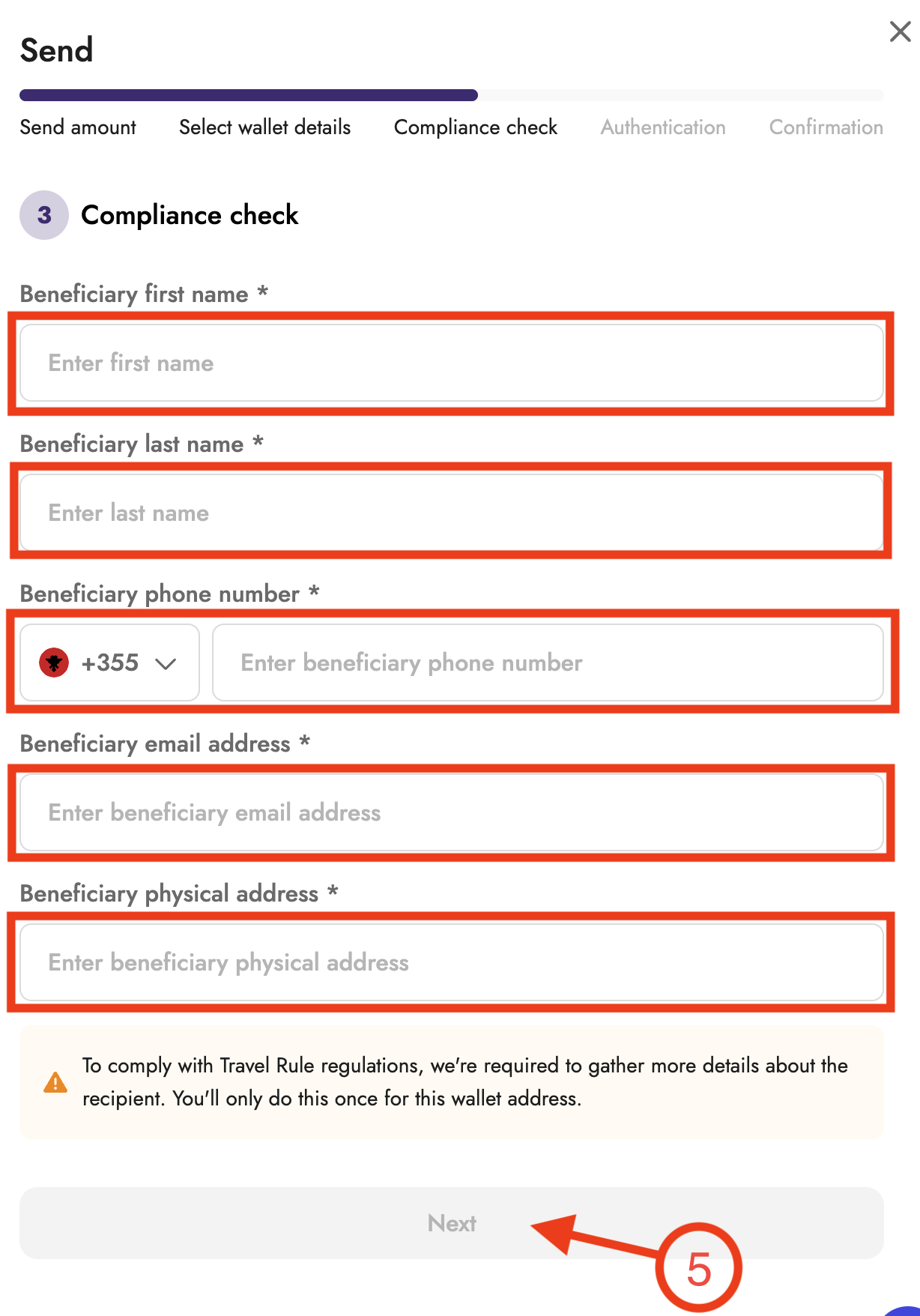
Enter the required Travel Rule compliance information:
Beneficiary legal name
Beneficiary email address
Physical address of the company
Business registration number
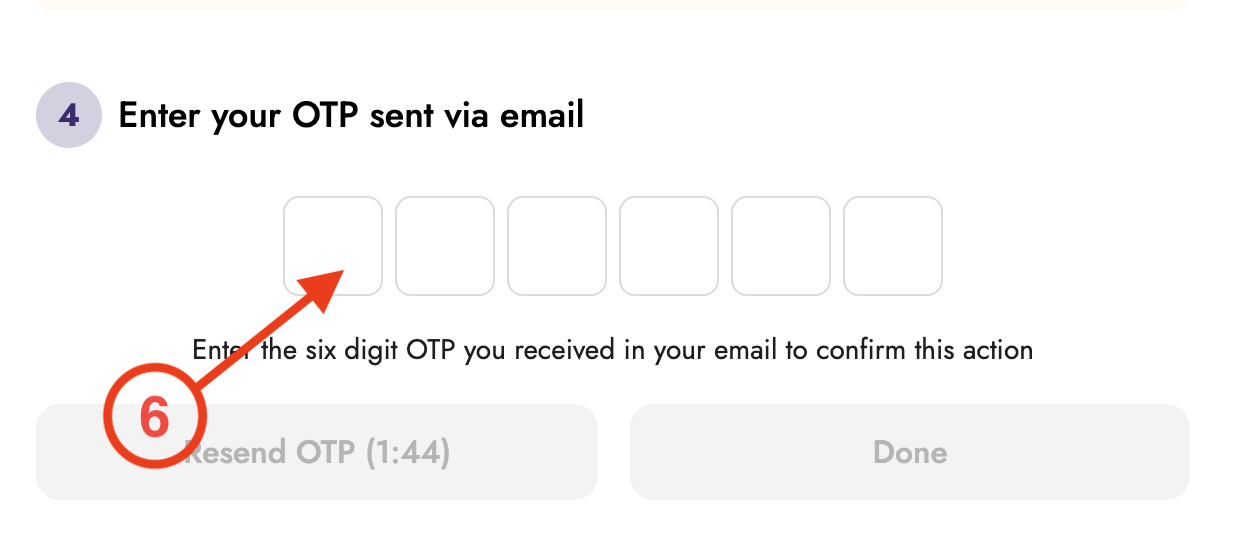
Enter your 2FA code when prompted.
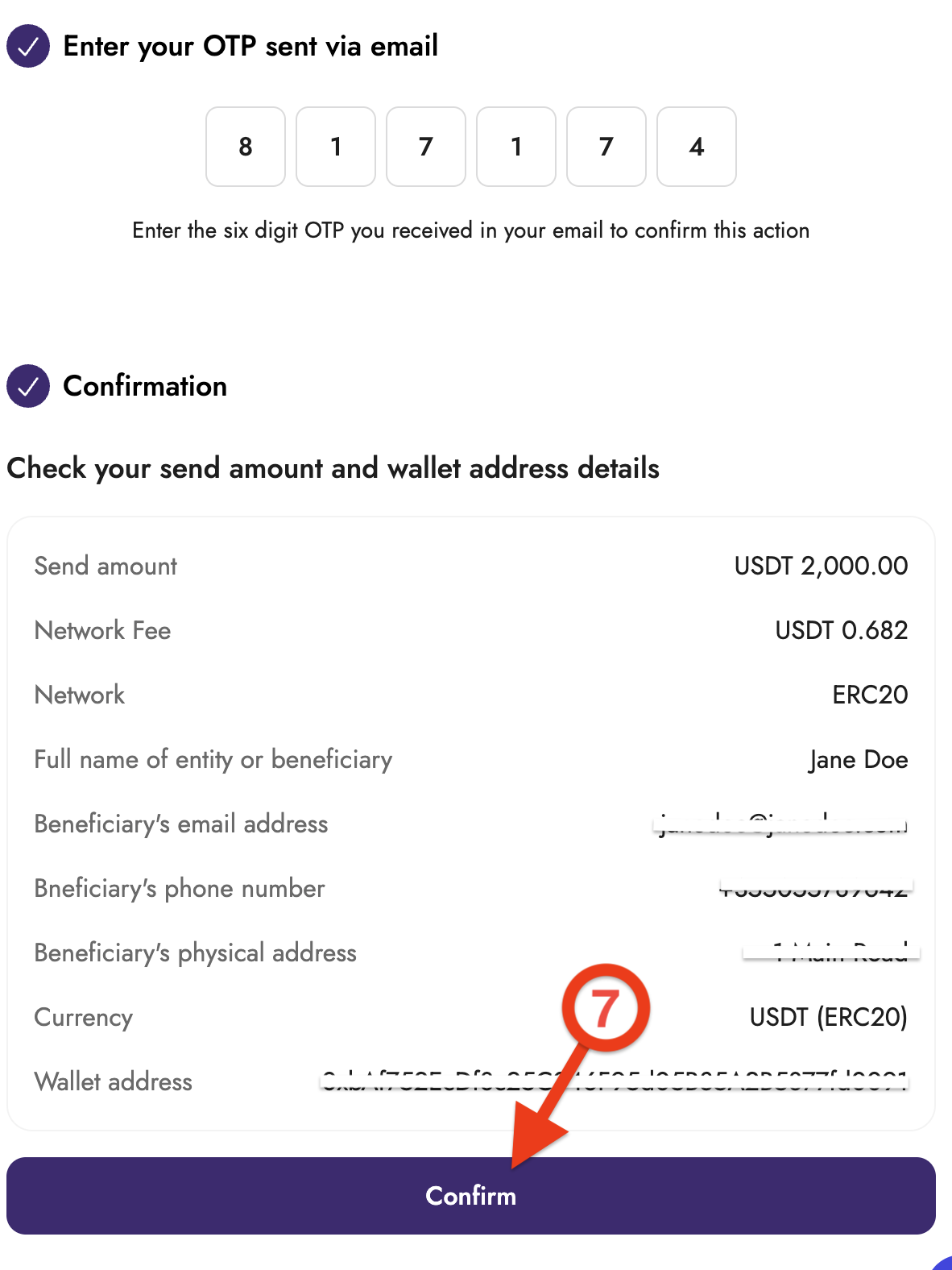
Review the transaction details and click Confirm to initiate the transaction.
Complete all required compliance fields before submitting, and note that required information may vary by the region or country.