How to Receive Local Currency/Fiat on the Treasury Portal
Last updated: September 22, 2026
This guide explains how to receive funds on the Treasury Portal. When receiving local currency/fiat, copy the transaction reference and include it with the payment.
Follow the steps below to receive local currency (fiat) on the Treasury Portal:
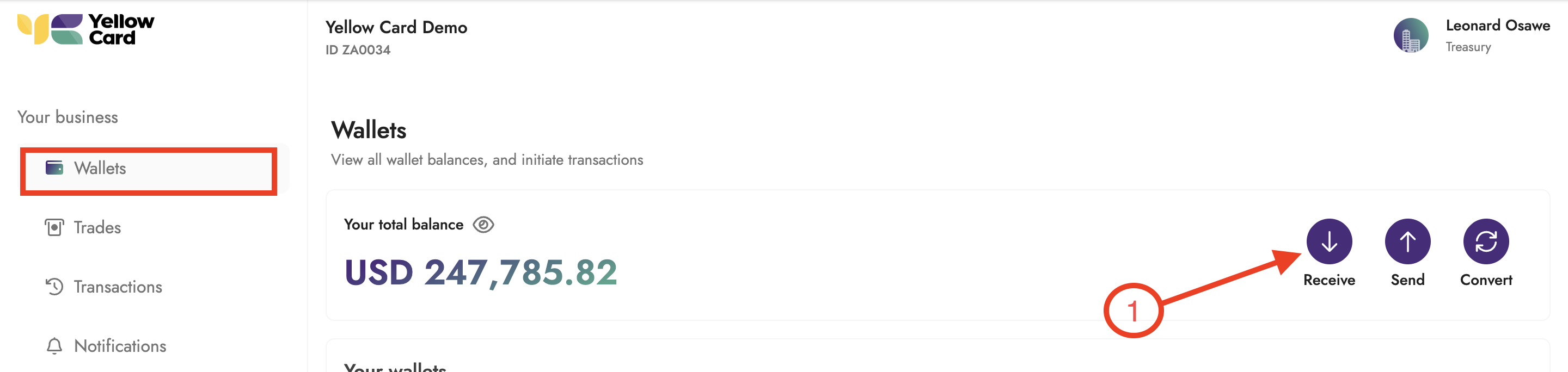
Log in to the Treasury Portal, select Wallets from the dashboard, then click Receive in the Wallets section to open the pop-up window that starts your funding request.
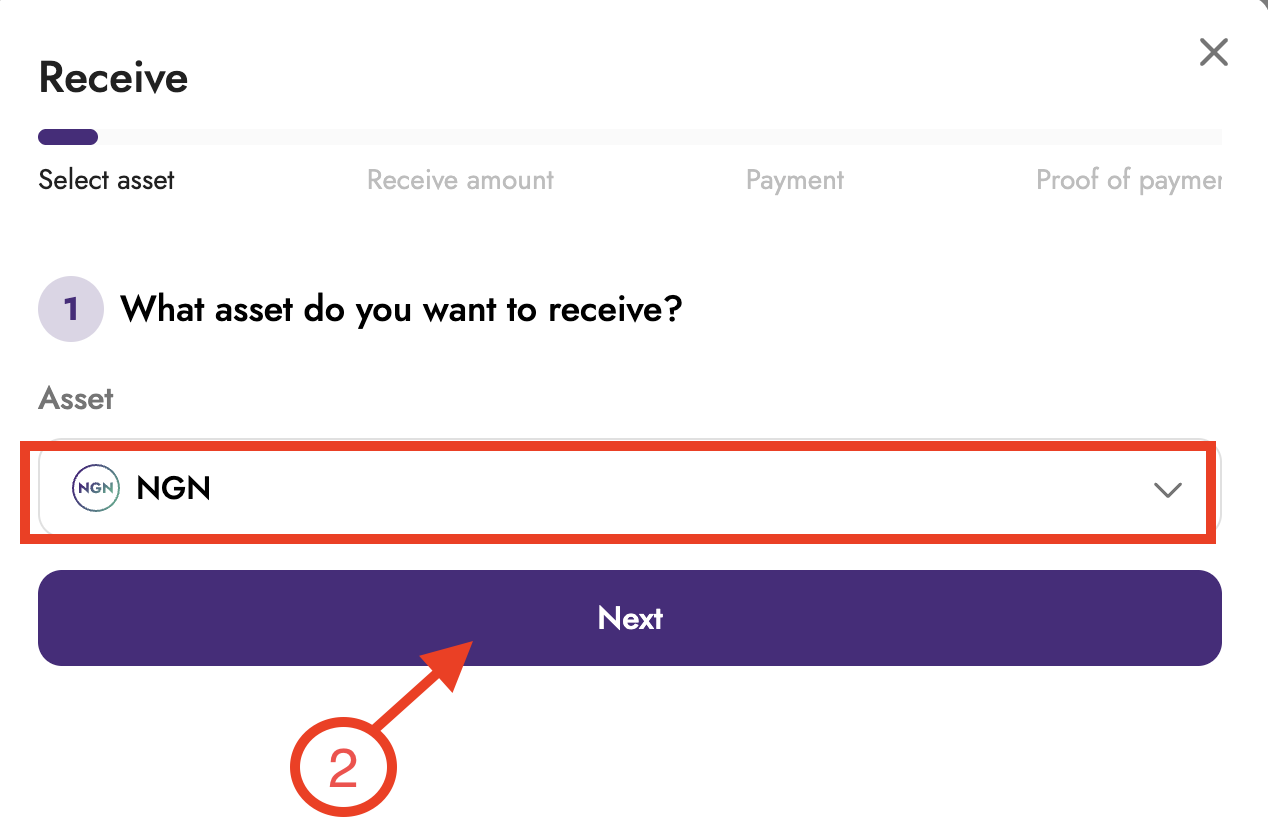
Select the Local Currency you want to receive and click Next.
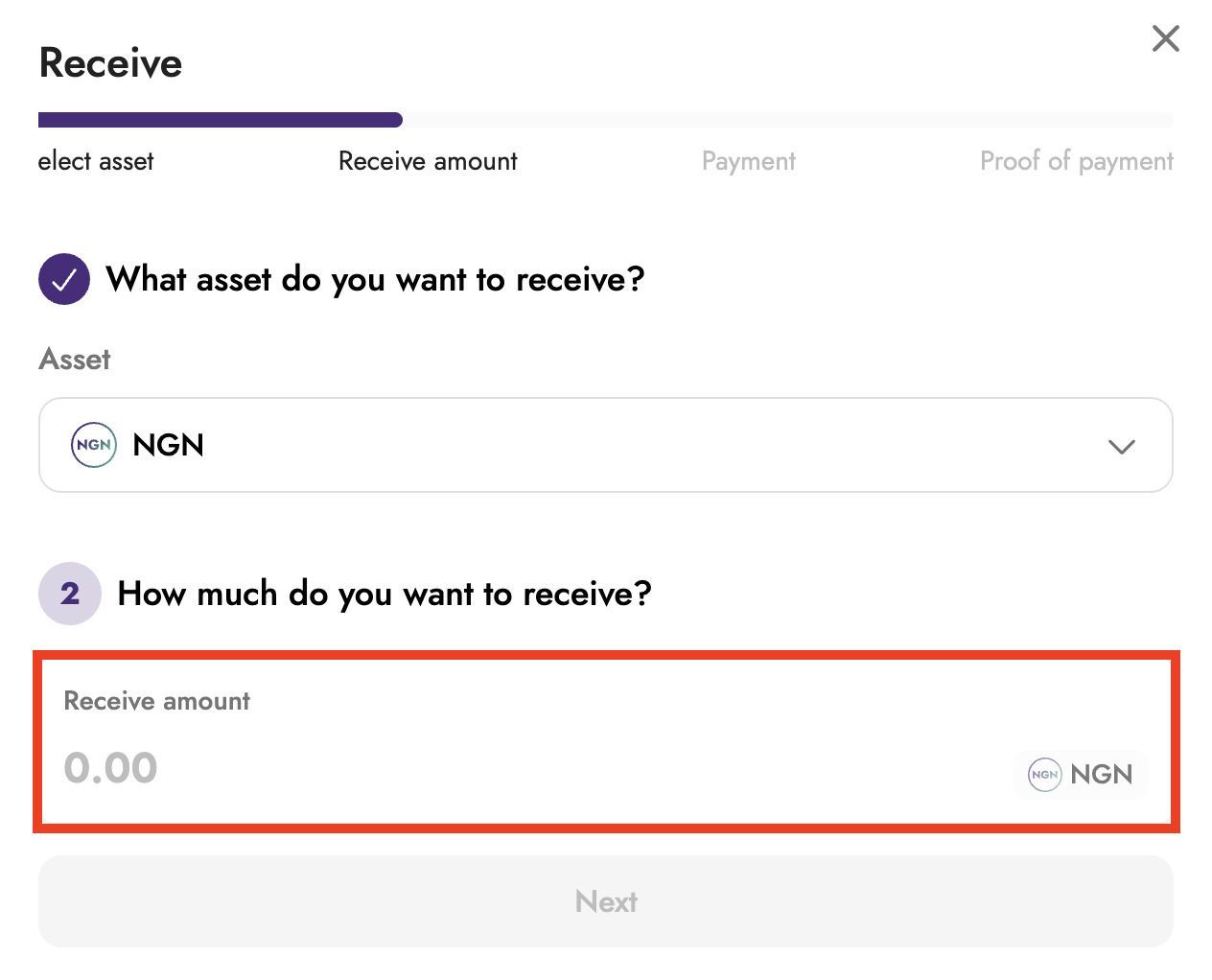
Enter the amount and click Next.
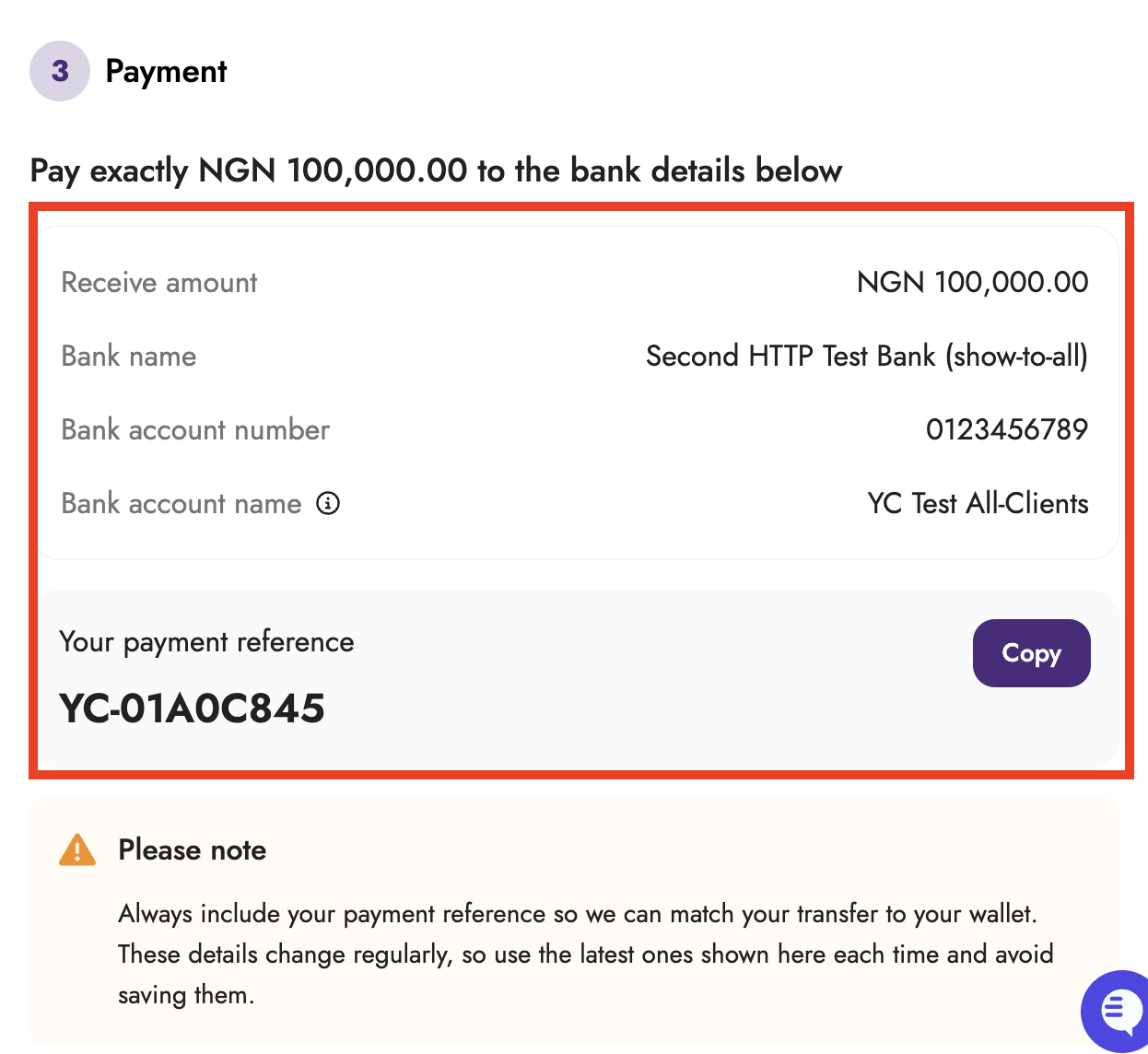
Review the bank details and reference code displayed, then transfer the specified amount to the provided bank account, making sure to include the reference code.
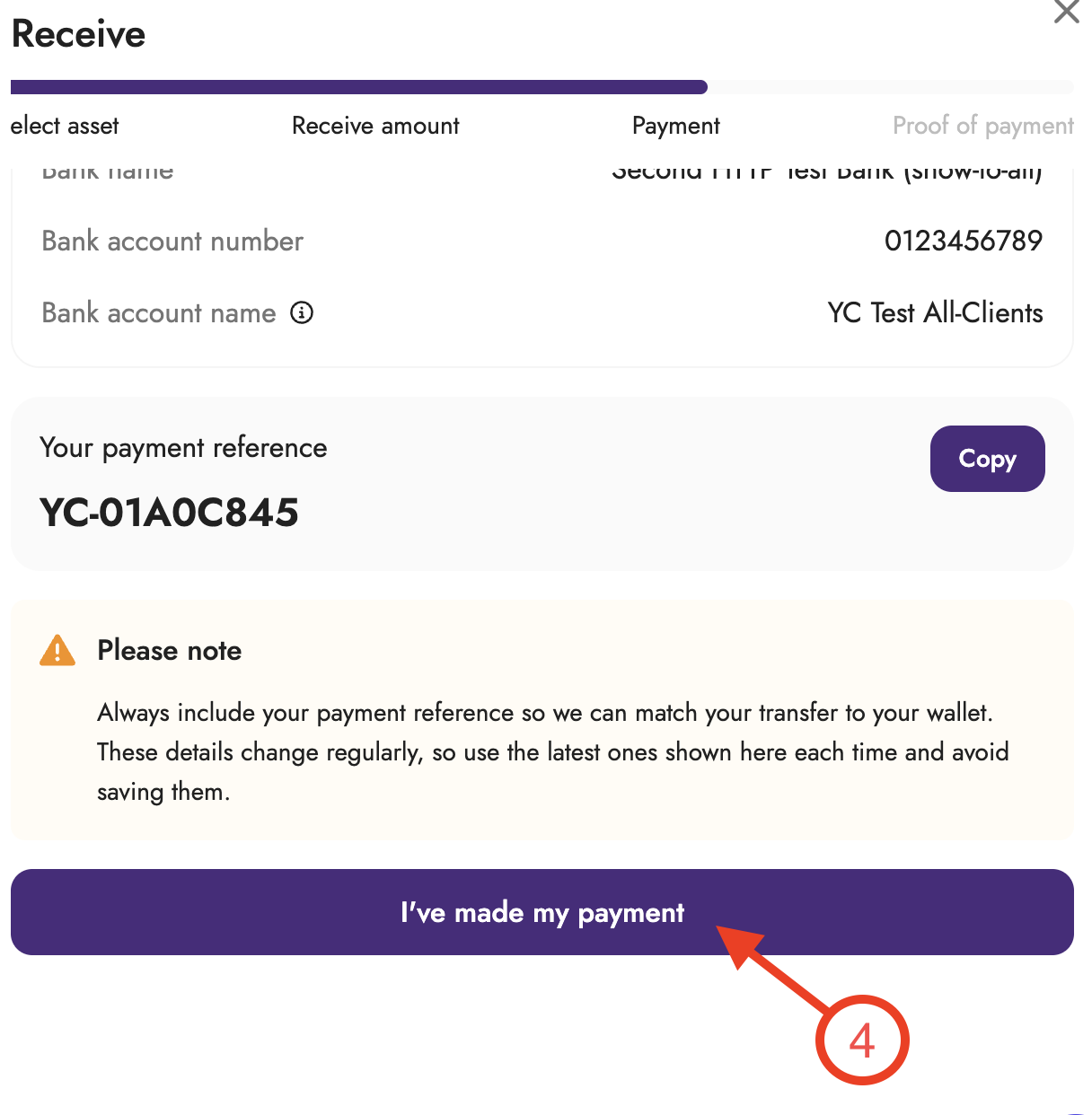
Click I've made a payment.
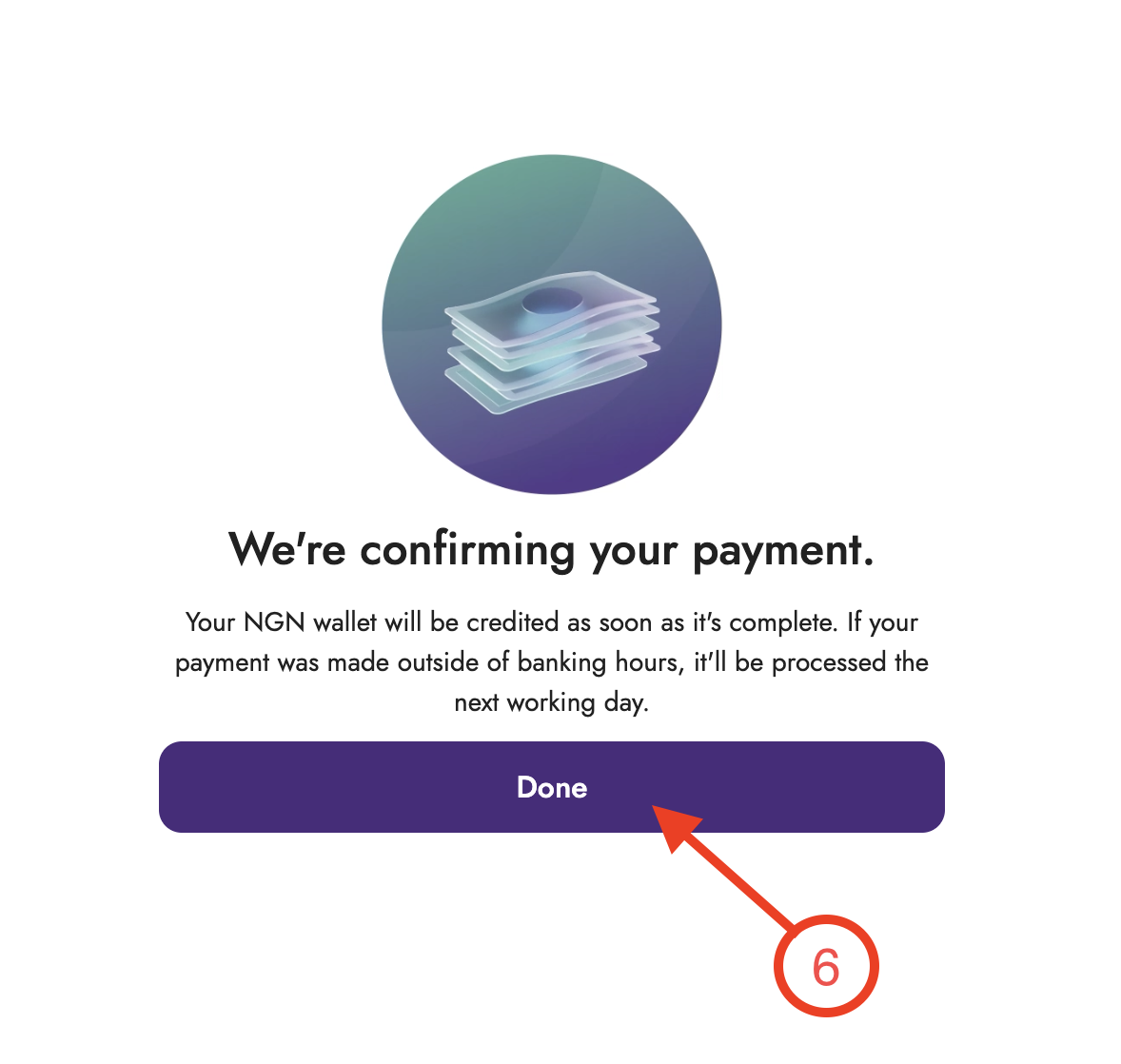
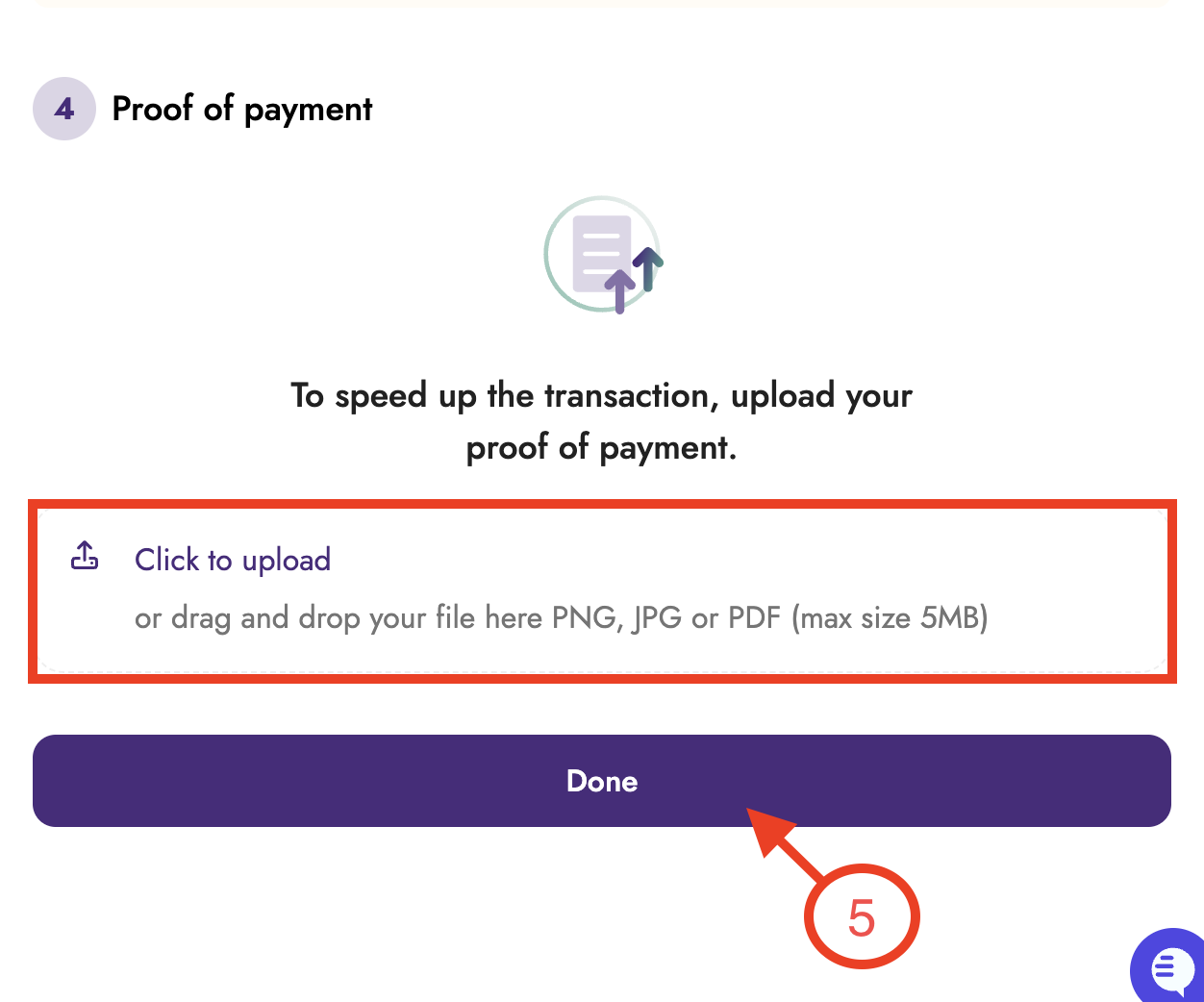
Upload your proof of payment (optional). Attaching proof of payment will increase your confirmation speed. Click Done.
Your payment will be reviewed, and your wallet will be credited once confirmed.