How to Create an Account on the Treasury Portal
Last updated: September 22, 2026
This guide explains how to create and activate your account on the Treasury Portal, as well as how to get started with onboarding on our Treasury Portal.
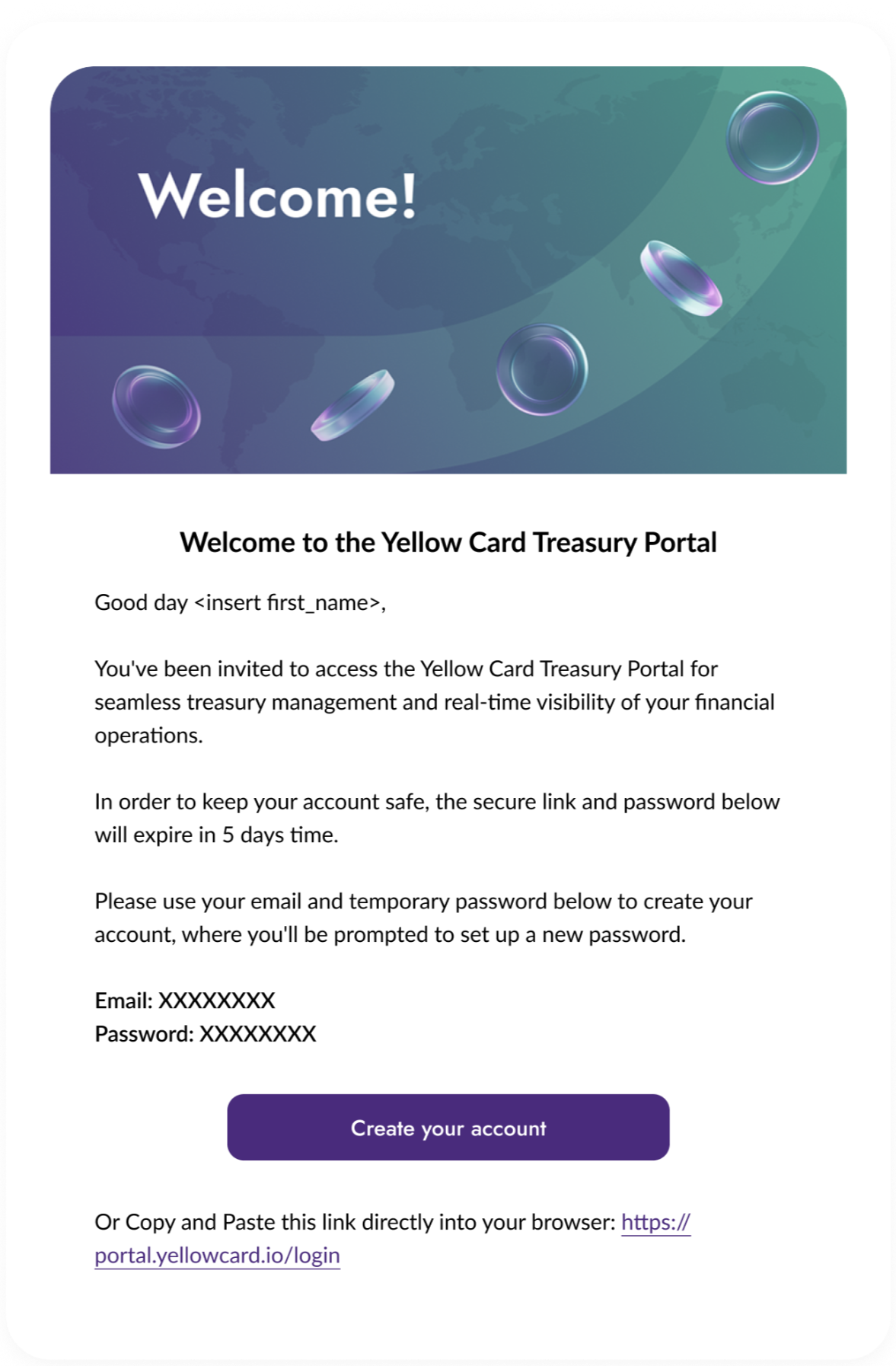
After signing the agreement provided to you, you will receive an email with your Login credentials:
A login email address.
A temporary password
Follow the steps below to create your Treasury account:
Step 1: Reset your Password and set up 2FA
Click the login link provided, and you will be redirected to the account creation page
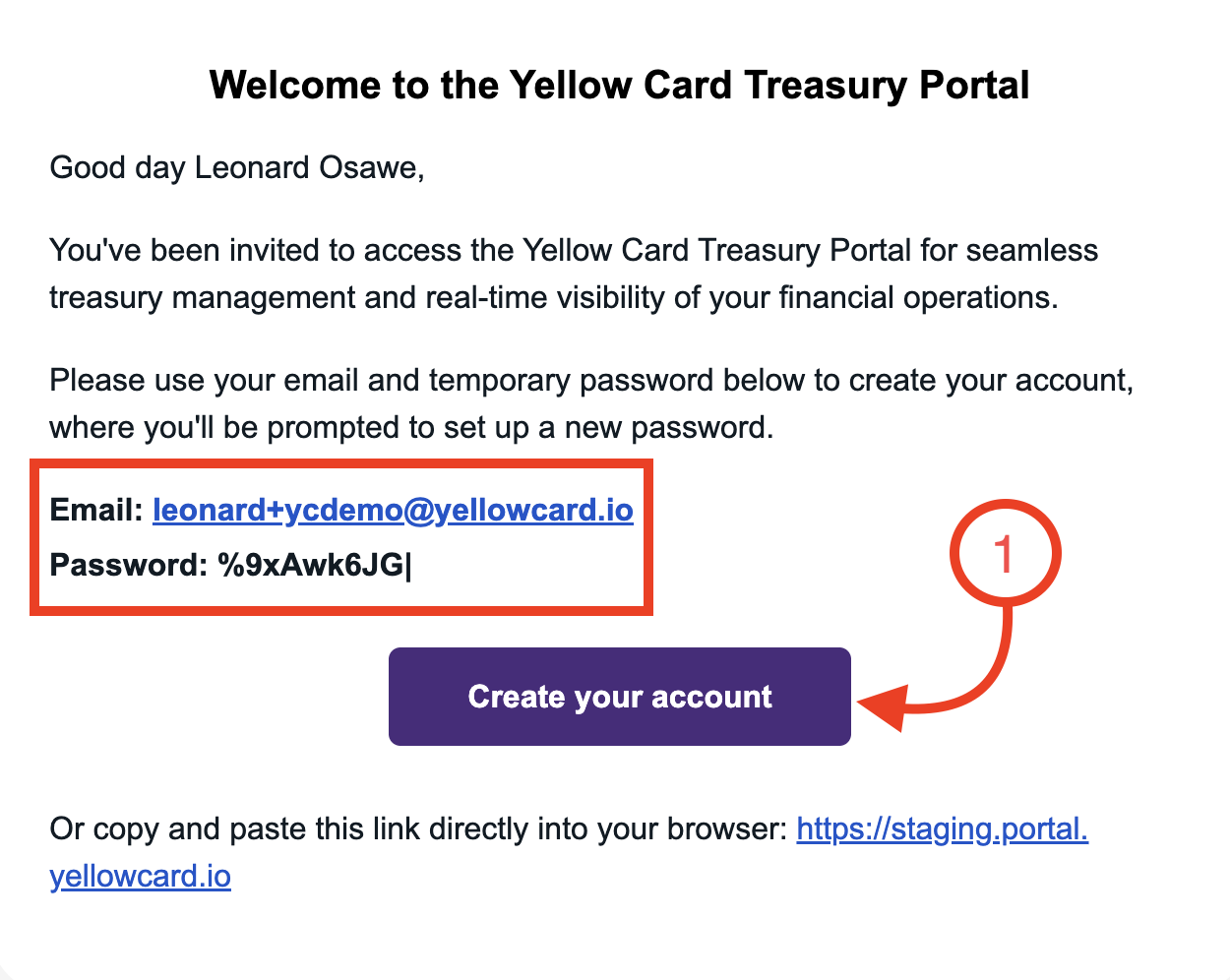
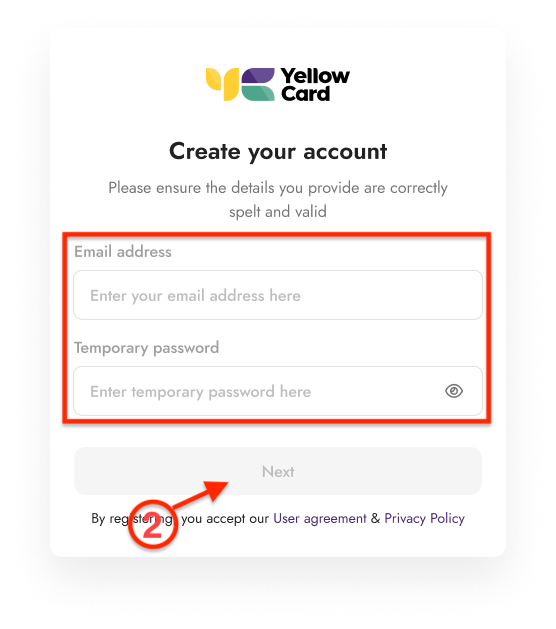
Enter your email address and temporary password, and click Next.
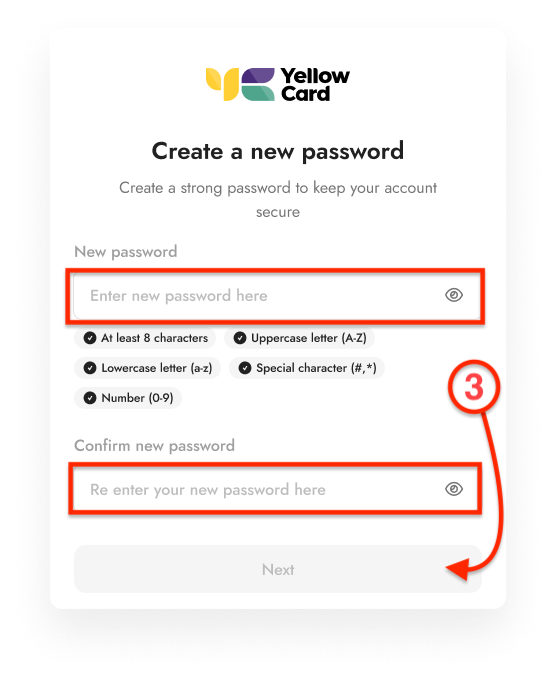
You will be prompted to reset your password and enter a new secure password, then click Next.
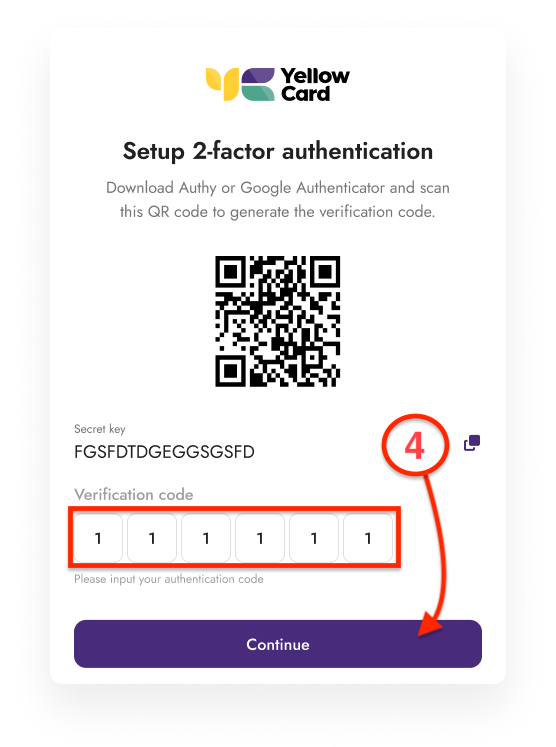
Set up Two-Factor Authentication (2FA) and click Continue once setup is complete
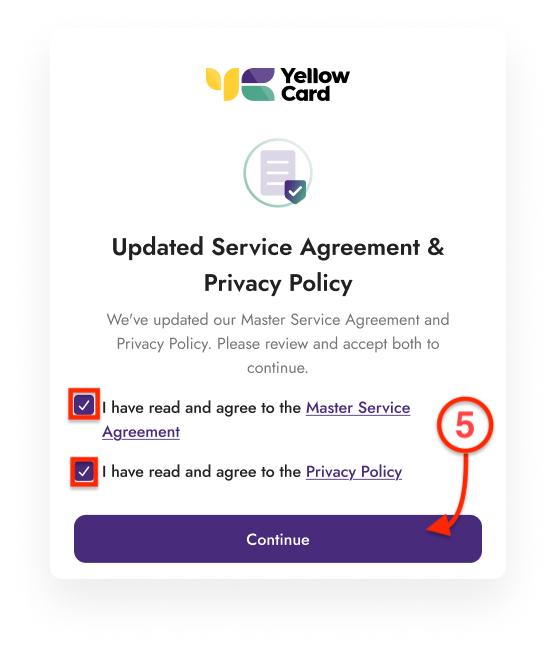
You will be asked to accept the service agreement and privacy policy, then click Continue.
Your account will then be created and activated.